
Ramalama AI Video Generator
Plan a solo entrance
History
Loading history…
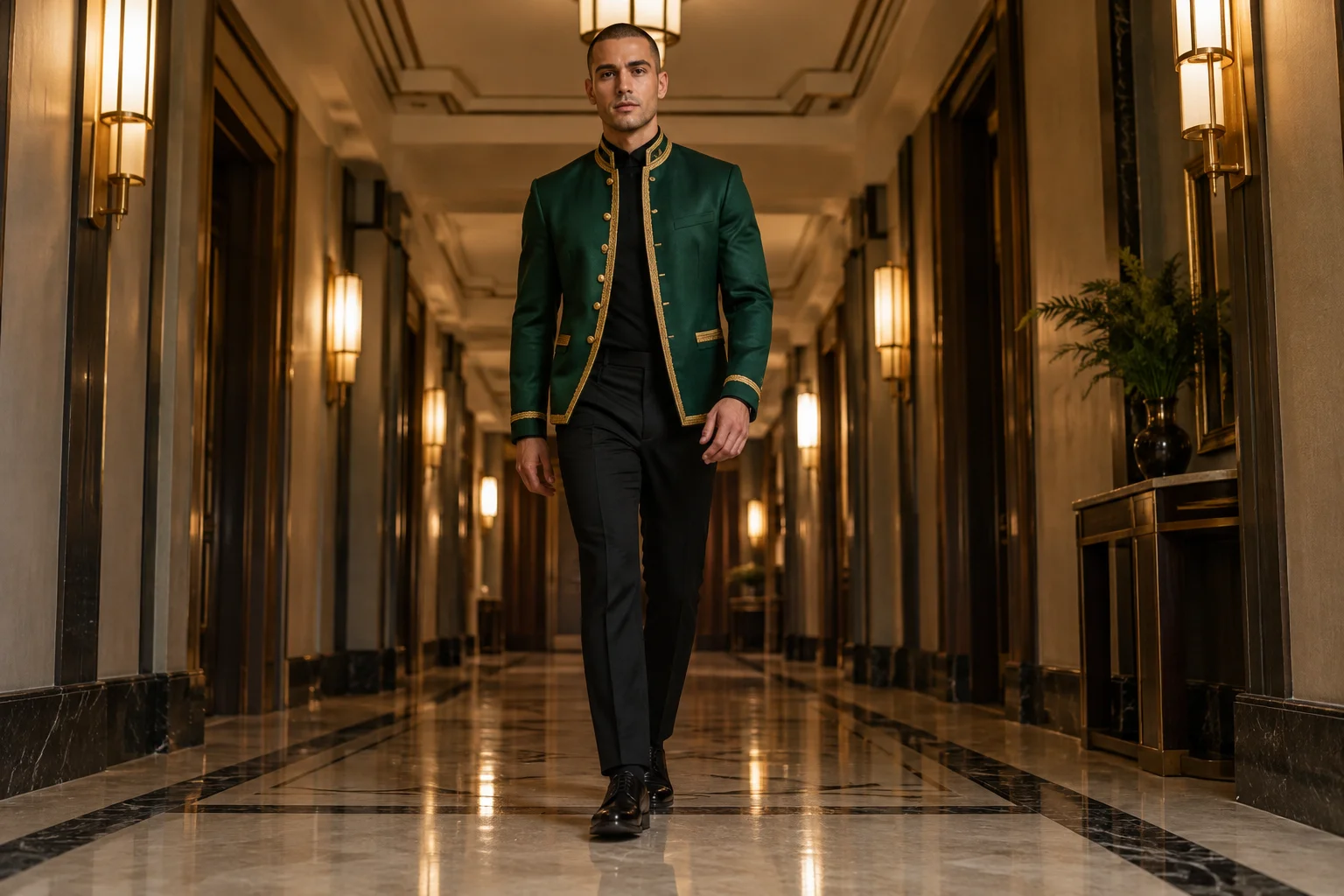
The Ramalama AI Video Generator can help you develop individual video clips for an entrance sequence. Give each generation one adult performer, then edit the resulting clips together externally. This approach keeps each shot focused: for example, create a separate clip of an adult man in an emerald tailored jacket entering a quiet Art Deco hotel corridor. You can start from text or use one starting image. Before you begin, check the current model access and credit information shown on the site.
Create your costume-walk video
Pick one shot concept
Decide what this individual clip needs to contribute: a measured approach, a low-angle view, or a calm final pose. Keep it to one adult performer. For this example, make the emerald-jacketed man’s corridor entrance one standalone shot rather than asking a single generation to depict multiple characters.
Choose text or one starting image
For text-to-video, enter a prompt describing the single performer, outfit, corridor, framing, and action. For image-based generation, provide one starting image and a prompt that directs the desired shot. Submit only the input allowed by the selected mode.
Select Seedance 2.5 and verify current details
Choose Seedance 2.5, then check the current on-screen model access and credit information before submitting. Availability and requirements can change, so confirm them at the time you use the tool.
Track the task and edit clips together
Follow the task in History. Once you have the individual clips you want to use, arrange them in an external editor. Compare framing, action, and visual details as you assemble the sequence; do not assume exact motion or identity continuity between separate generations.
What the generator is for
Ramalama AI Video Generator is a tool for creating video from a text prompt or from one starting image. For a sequence featuring several performers, treat each performer as a separate generation. This guide’s example keeps the man, his outfit, and his corridor entrance together in one clip; make other solo clips independently, then combine them in an external editor.
Choose an input and check access
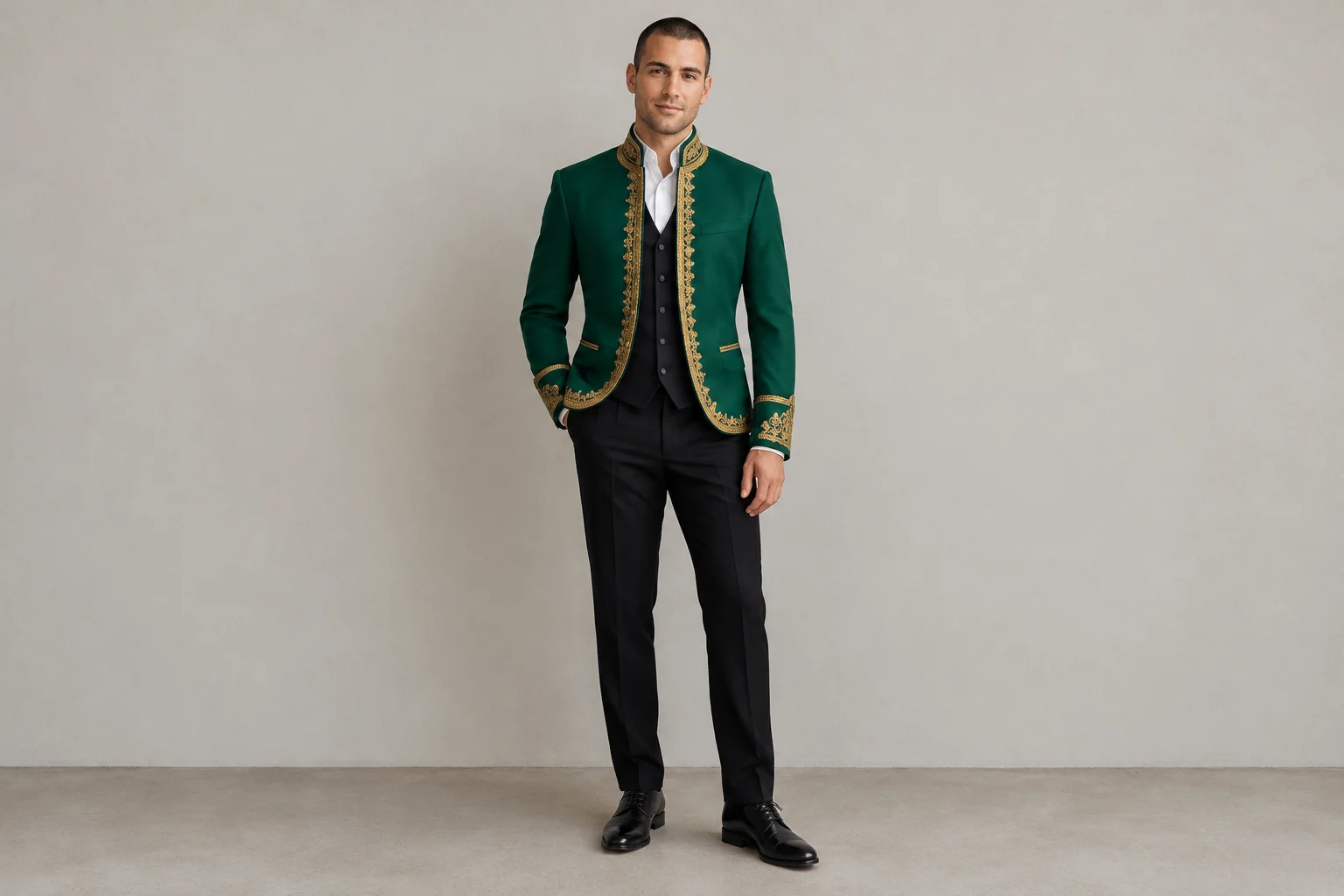
Use text-to-video when you want to describe the performer, setting, and action in words without uploading an image. Use the image-based mode when you have one starting image to guide the shot. Each mode submits only its allowed input: do not treat the prompt as permission to attach additional references. Select Seedance 2.5 for the workflow described here, and check the current model access and credit requirements on-screen before submitting. Access, credits, and availability may change; rely on the current information shown in the product rather than an assumed quota or price.
Make the clips work as a sequence
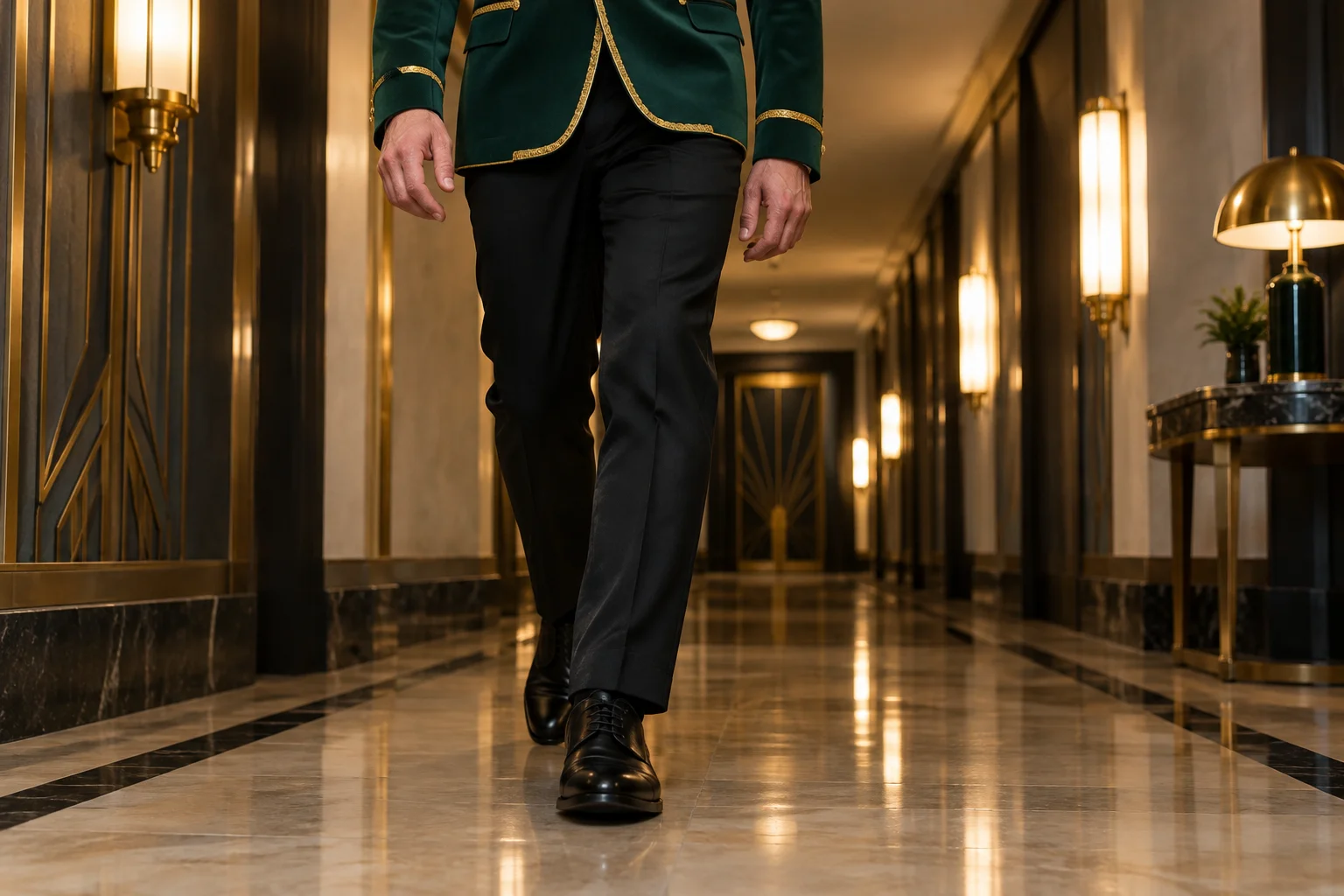
Write each prompt as a self-contained shot description. Keep the number of performers to one, state the framing and setting, and choose a simple action that can sit alongside the other clips in your edit. For the corridor example, specify the emerald jacket, warm brass lamps, low camera, and one measured step. Separate editable prompts make it easier to vary a shot concept without confusing performers or scenes. The editor you use outside the generator is where you can arrange the separate clips into a coordinated sequence.
Review progress and timing
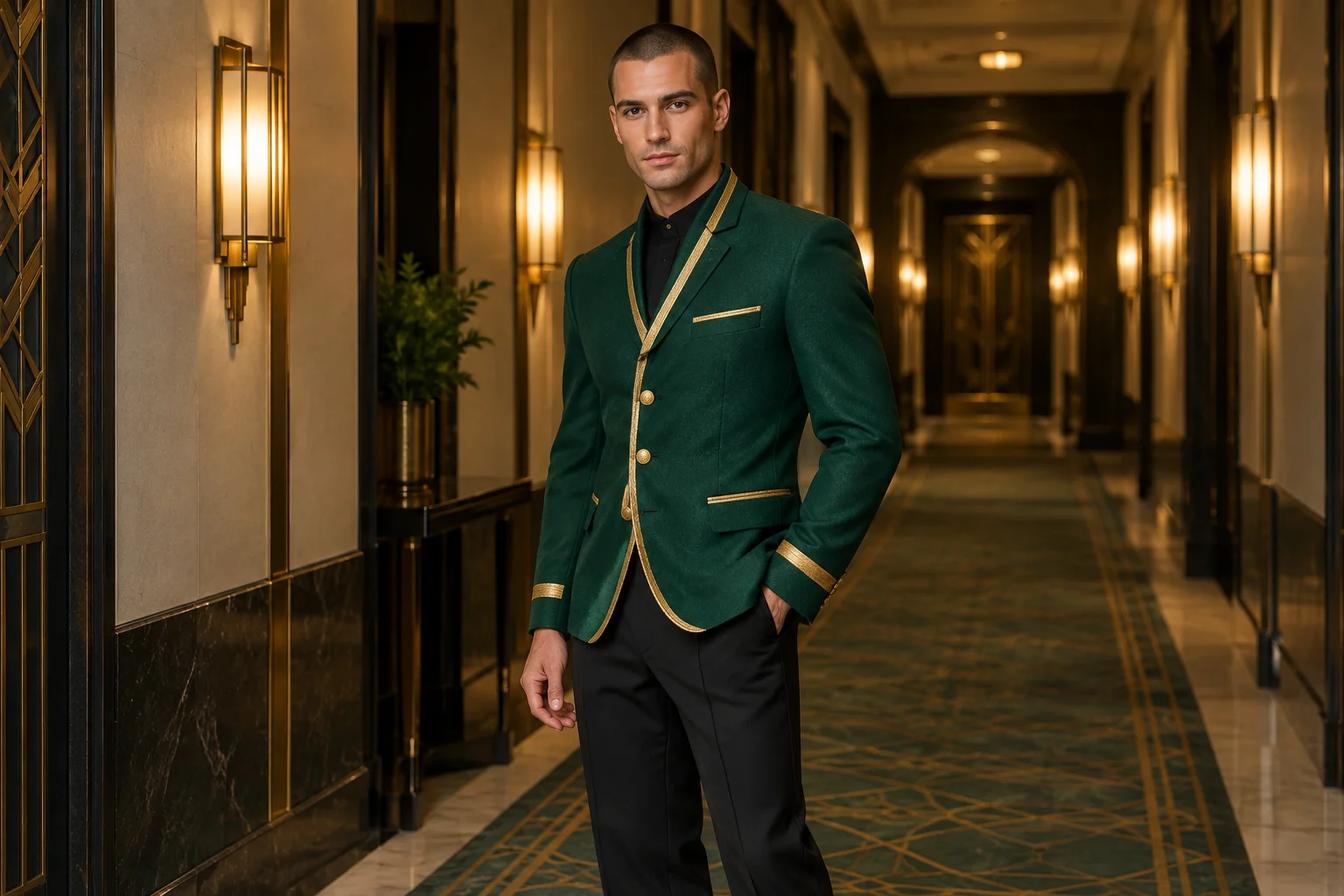
Use History to track submitted tasks. Check the task status there instead of relying on a promised completion time: processing duration can vary, and this guide does not promise an exact wait. Review each result for useful framing, visible feet, readable clothing, and a suitable entrance beat before adding it to your external edit. For the latest credit and model details, consult the on-screen information when you are ready to generate.
Coordinated costume reference
Notice the matching ornate outfits in this two-performer stage reference. For your own sequence, create one solo entrance at a time and combine the clips in your editor.
Ramalama AI video questions
What is the Ramalama AI Video Generator?
It is a tool for generating video from a text prompt or from one starting image. You can use it to develop a solo entrance clip, then combine separate clips using an external editor.
Can I create a sequence with several performers?
For the workflow in this guide, generate one adult performer per clip. Create separate clips for other performers and assemble them externally; do not ask one generation to contain multiple characters.
What input do I need?
Choose text-to-video and provide a text prompt, or choose the image-based mode and provide one starting image with an editable prompt. Each mode submits only its allowed input.
Does it cost credits, and which models can I access?
Check the current credit requirements and model availability on-screen before generating. The workflow here selects Seedance 2.5, but current access and credit details should be verified in the product.
How long will a generation take?
There is no exact completion time promised here. Processing can vary; use History to track the task and check its current status.
Will separate clips guarantee identical appearance or exact movement?
No exact motion or identity continuity is guaranteed between separate generations. Review each clip and make any sequencing decisions in your external editor.
More ideas to explore
rapduos.com · Updated
See update history
- — Added a costume-walk generator with editable prompts, original preparation images and a practical motion guide.