How to make your first AI Rap Duo Video
Choose your photos, set the scene and write a prompt that gives your duo something to perform.
Start with the people
Pick the two people you want in the video. Use clear photos you have permission to use. A sharp face, even lighting and an unobstructed view give the model more useful visual detail than a heavily filtered selfie.
In the Rap Video studio, choose Two photos to preview one portrait of each person. Choose One photo if both people are already in the same picture. You can try the photo previews before signing in.
Choose a scene
Start with the Hotel Lobby generator, or choose a studio or street scene. Describe where your duo stands, what they do and how the camera should frame them. A short, specific scene is easier to follow than several unrelated locations in one prompt.
Give the performance a direction
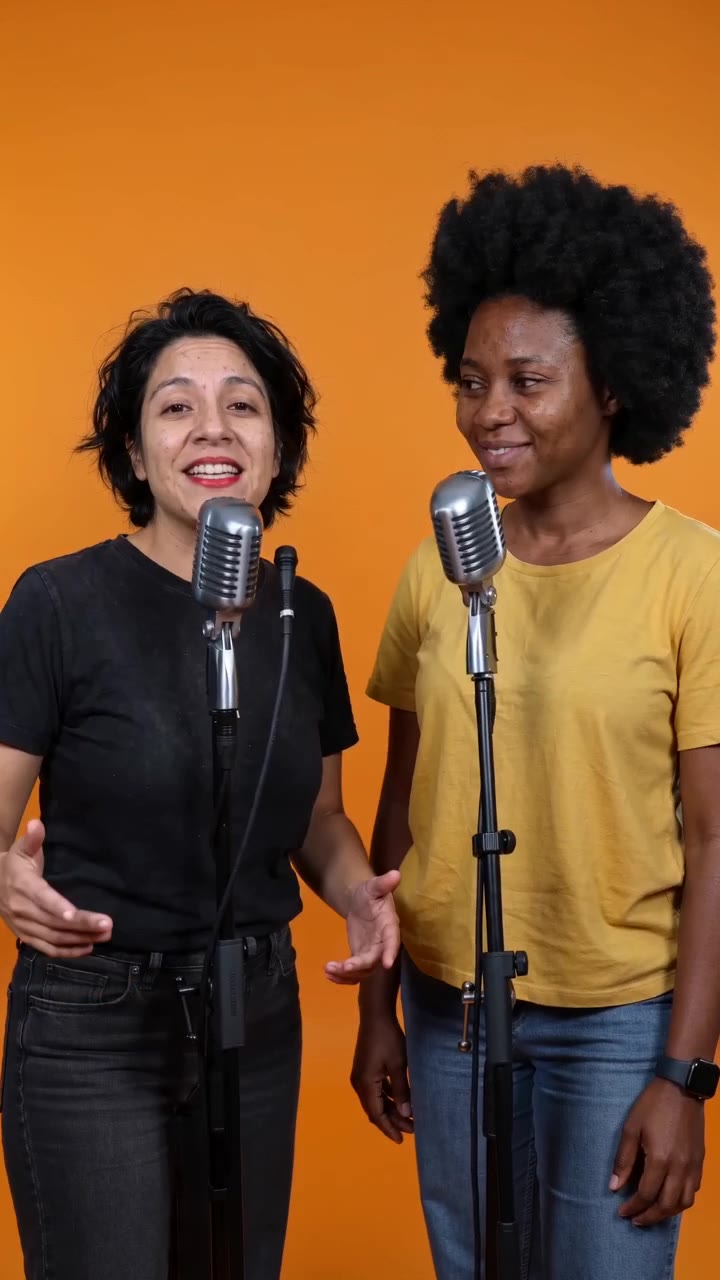
Try a prompt like: "The two people in the reference image trade playful verses in a recording booth, each at a microphone. Keep both faces visible. Use warm lighting, confident gestures and a vertical composition."
That is a suggested starting point, not the verified prompt behind a showcase. Add one personal detail: a birthday, a shared memory or the mood of the occasion.
Check the model and quote
Choose an available model and review its supported duration, format and audio settings. If you want music and vocals, select a model that supports audio and describe them explicitly. Audio, lip sync and face consistency depend on the model; a prompt cannot guarantee them.
Sign in to upload and submit. Review the credit quote before generating. After submitting, follow the task in your video history and download a successful result. Licensed showcase clips are inspiration, not a promise of an identical result.