
Christmas Photobooth AI with Consistent Left and Right Sides
Create a Christmas photobooth video
Study two-person portrait spacing
History
Loading history…
Christmas Photobooth AI helps you request a 15-second portrait-strip video while keeping two adult roles distinct. Upload one adult in each of two separate photos, then review whether the first stays on the left and the second on the right across four panels. The prepared backdrop uses muted mint and plain coral stars.
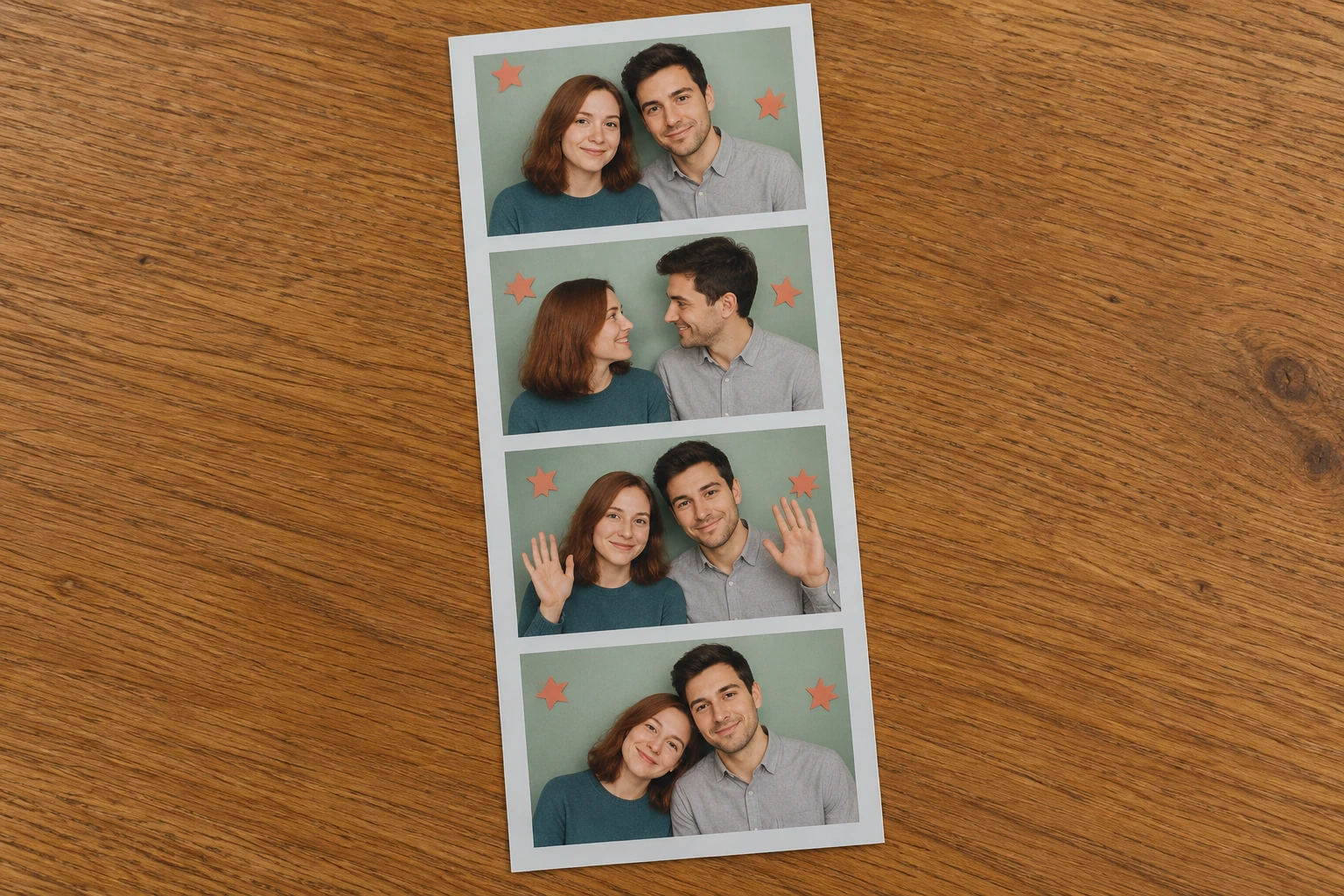
Create your Christmas photobooth video
Add the first adult portrait
Upload one portrait containing one adult for the left-side role. Choose a clear view that shows the person’s face and hair.
Add the second adult portrait
Upload a separate portrait containing one adult for the right-side role. The two required images should each show one adult, rather than both people together.
Set the direction and controls
The built-in 15-second direction requests four stacked panels, both adults in each, and consistent left-right roles. Review the selected aspect ratio and available resolution and audio controls. Visual notes start empty and are optional.
Review the quote and result
Check the live credit quote and paid-account eligibility before generating. Waiting time varies; find a ready clip in History, then review the faces, sides, panel separation, and crop.
Two portraits, clearly assigned roles
This workflow requires exactly two separate adult portrait photos, with one adult per photo. The first uploaded adult is directed to stay on the left; the second stays on the right in every panel. Use portraits of the people you want represented, because their actual identities, hair, and clothing are carried through the direction. The fictional sample portraits illustrate the separate-image roles; their people and outfits are not selectable presets.
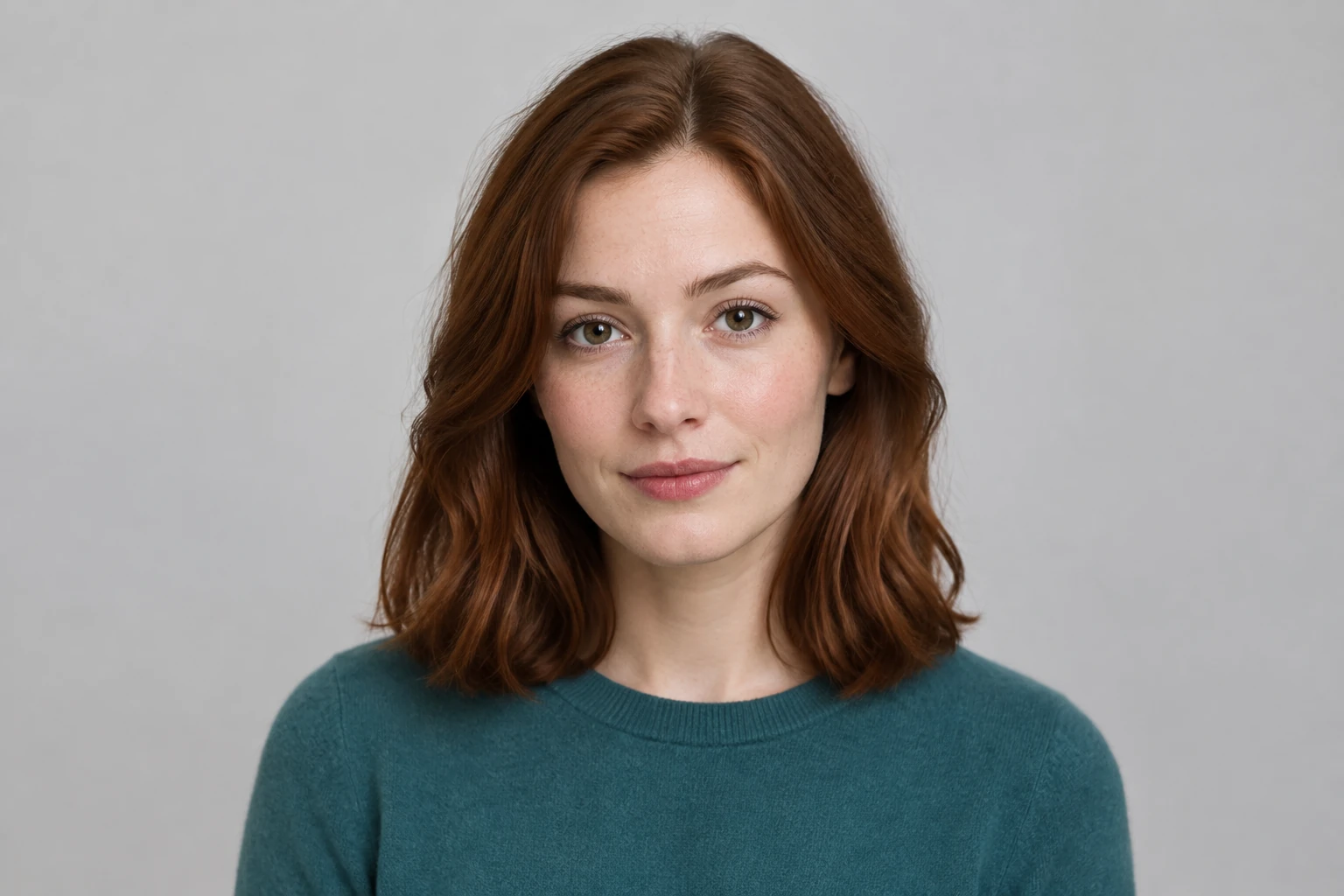
One strip, four shared moments
The written direction requests one physical light-gray photo strip, not four unrelated portraits. It calls for four clearly separated panels stacked vertically, with exactly both adults together in each. Friendly, varied expressions give the panels a little movement in mood, while fixed sides help keep the pair recognizable from frame to frame. The calm closing view shows the whole layout.
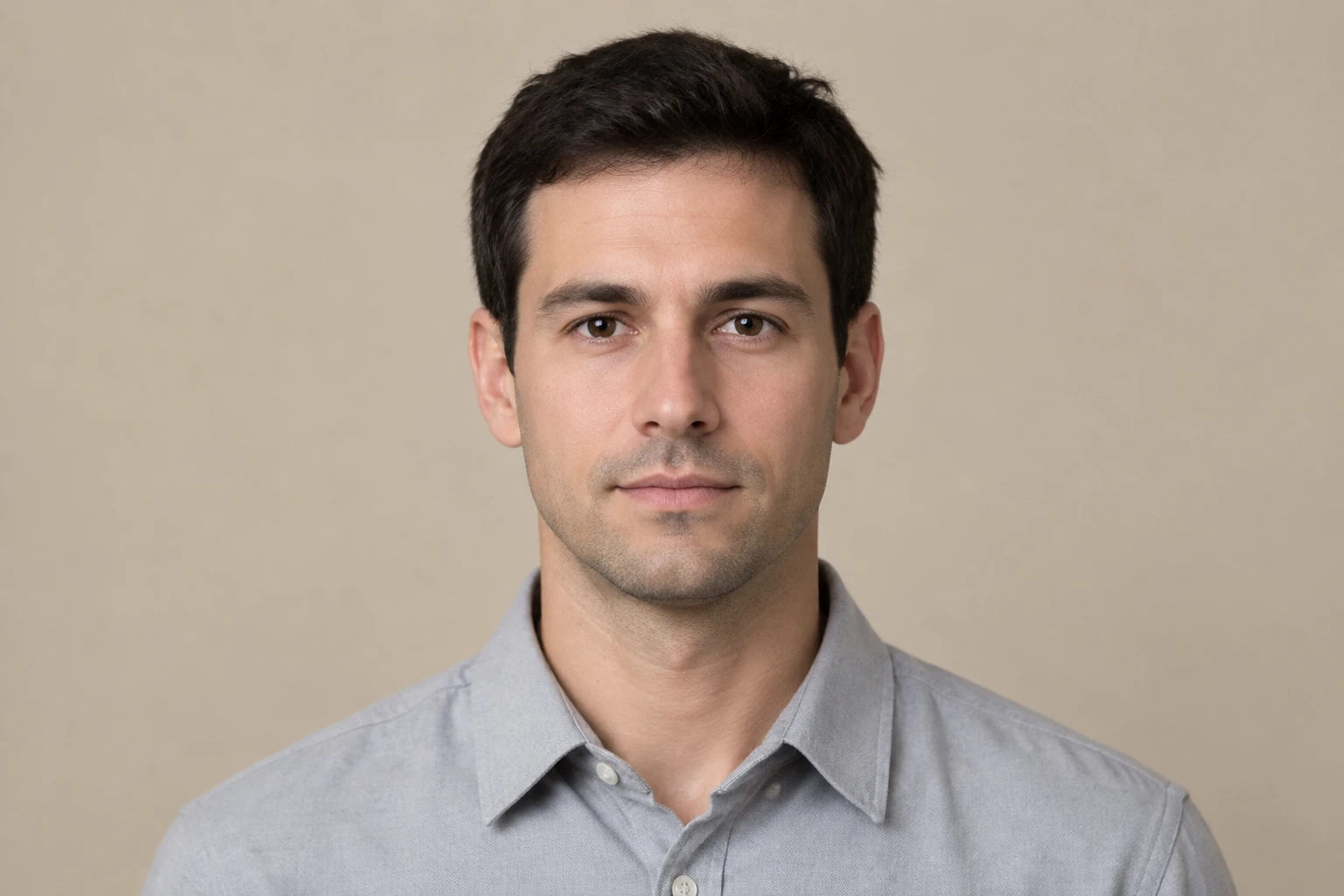
A fresh holiday setting
The requested backdrop is an original muted-mint holiday portrait setting with a few plain coral paper stars. Uploaded backgrounds are not retained. Optional visual notes can add direction if you want, but they begin empty; there is no video-upload requirement. The scene reference is an empty four-window layout with two coral stars and a small pine branch, not a populated sample strip.
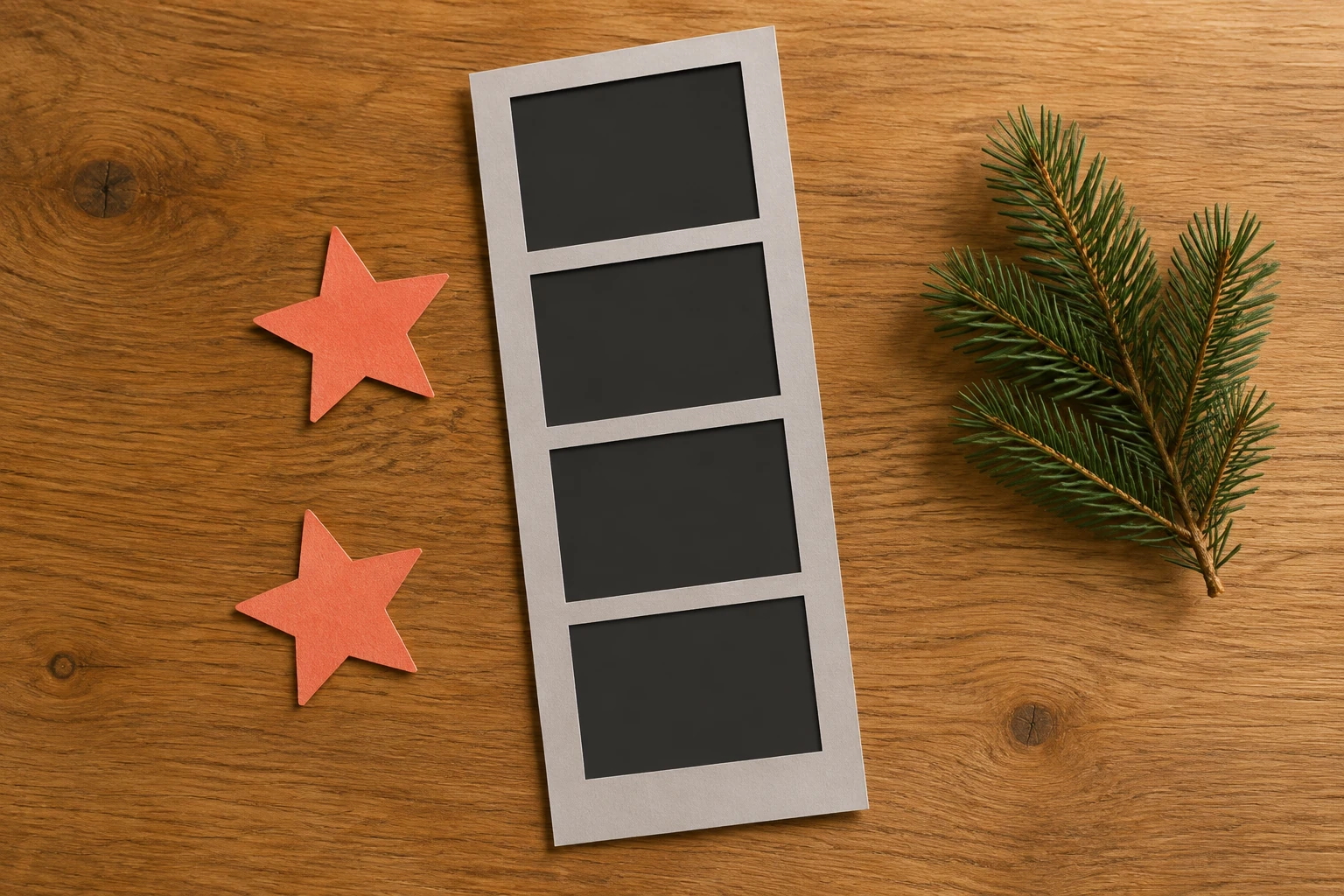
Check the framing before generating
The clip is set to 15 seconds, and the built-in direction asks for a slow camera glide across the paper followed by a calm, complete view of the strip. Respect the selected aspect ratio and check that faces remain inside their panels and that the panel boundaries are visible. Available resolution and audio controls, the live credit quote, and paid-account eligibility are shown in the workflow. Waiting times vary; use History to find a clip when it is ready.
Christmas Photobooth AI questions
What photos do I need?
Provide exactly two separate adult portrait photos, with one adult in each photo. The first image supplies the left-side adult and the second supplies the right-side adult.
May I upload portraits of other adults?
Only use portraits of adults whose images you have permission to use for this purpose. Each required photo should contain one adult.
How are the roles and four panels directed?
The built-in direction keeps the first adult on the left and the second on the right. It requests one light-gray strip with four clearly separated stacked panels and exactly both adults together in every panel.
Do I have to fill in Optional visual notes or upload a video?
No. Visual notes start empty and are optional, and the workflow does not require a video upload.
What are the duration, controls, credits, and waiting details?
The selected duration is 15 seconds. Review the actual aspect, resolution, and audio controls in the workflow, along with the live credit quote and paid-account eligibility. Waiting time varies; ready clips appear in History.
What should I check in the finished clip?
Review that both adults appear in every panel on the intended sides, faces are clear, all four panel boundaries show, and the crop respects the selected aspect ratio. Check that the closing view shows the complete strip.
More ideas to explore
rapduos.com · Updated
See update history
- — Added a two-portrait Christmas photobooth video guide with a prepared 15-second four-panel camera direction, optional notes, four original picture studies and a filmed portrait-spacing reference.