
Create a Deck the Halls Dance Visual Study
Deck the Halls Dance
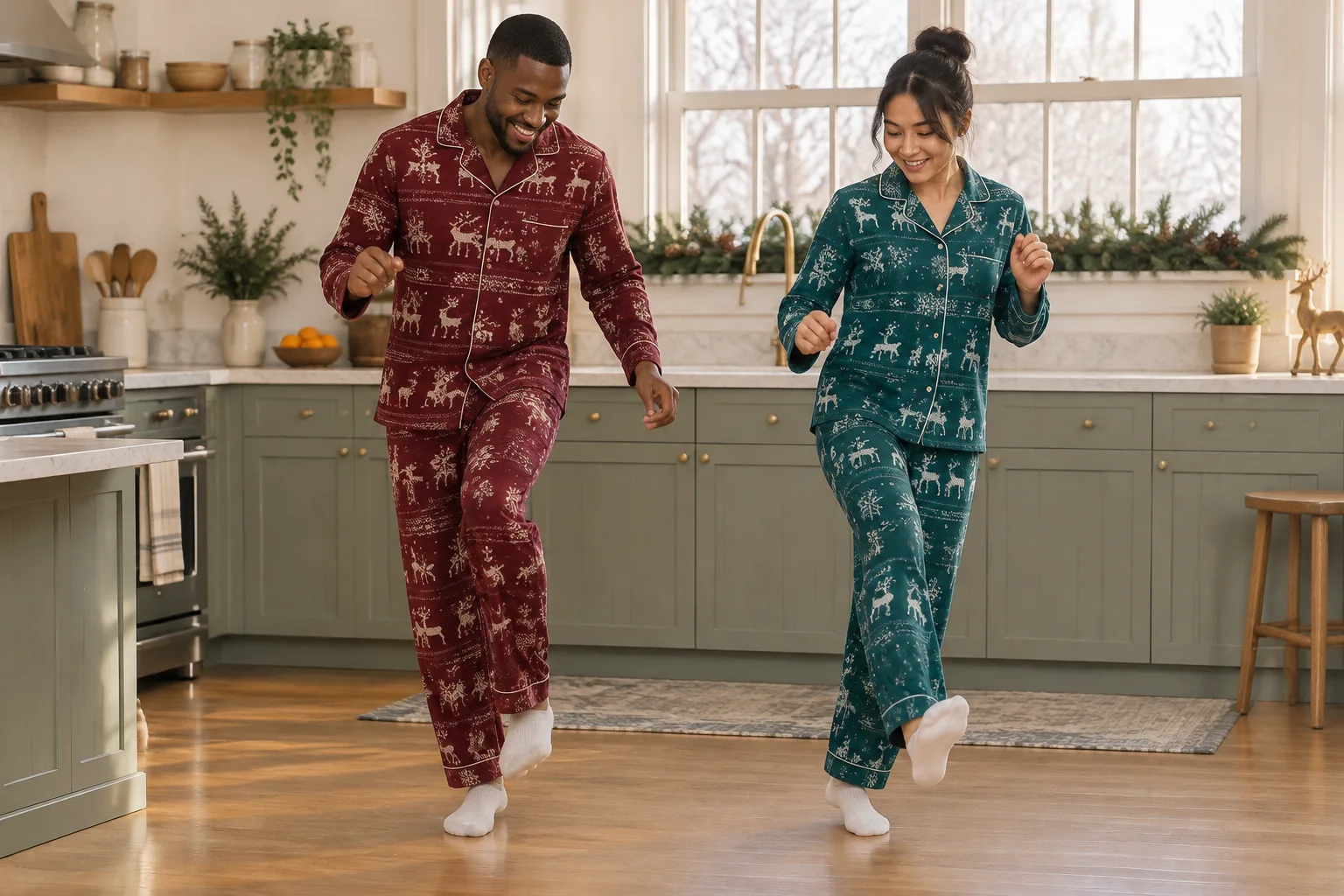
Watch the holiday kitchen motion study
Label the portraits by intended left-right order in your instructions to make the desired arrangement clear.
History
Loading history…
For a Deck the Halls Dance visual study, upload two separate adult portraits and describe a simple holiday duet. Keep the site's existing scene; the video is 15 seconds and no music is supplied.
Make your clip
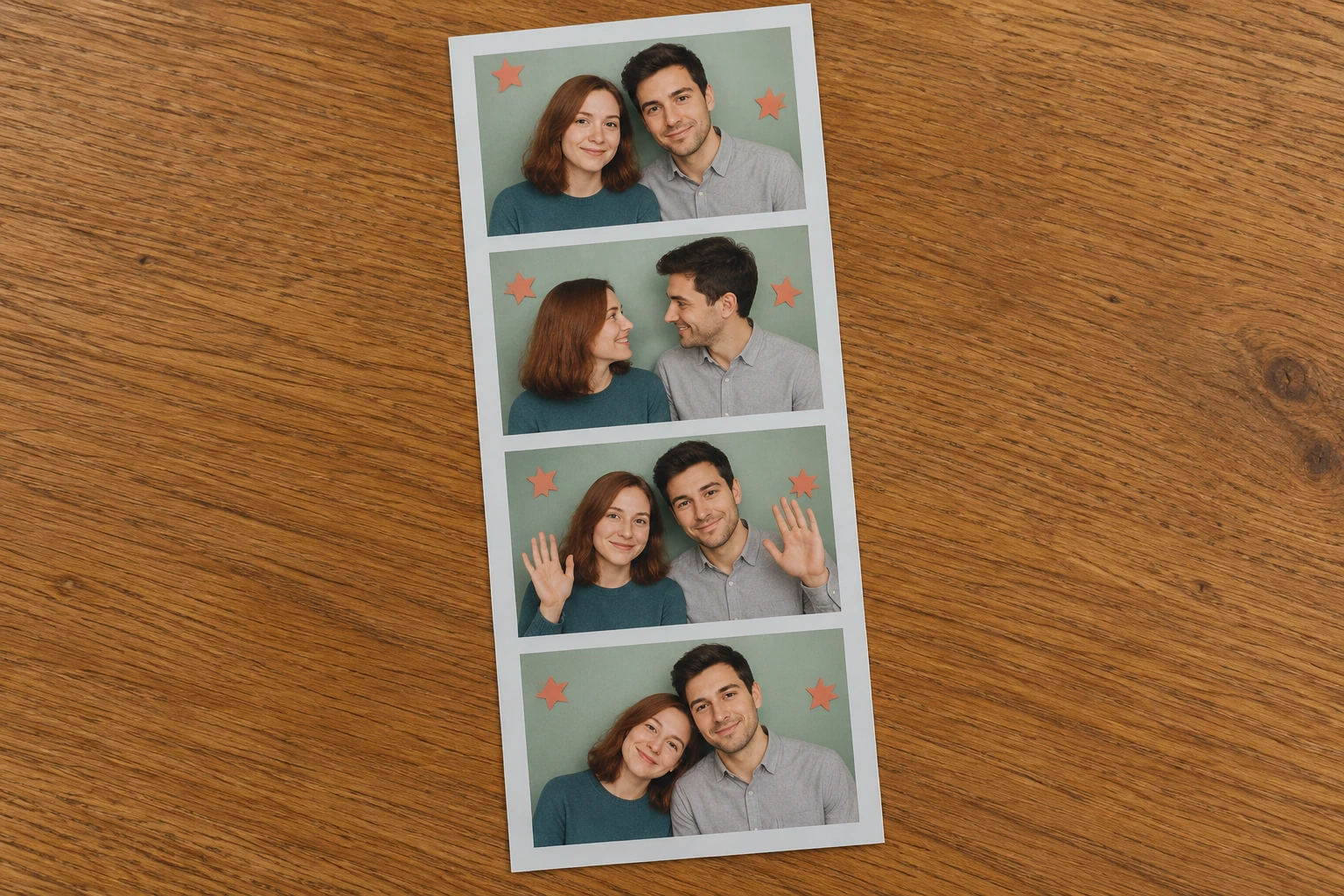
- Upload two separate portraits of consenting adults. Place the left dancer in the first slot and the right dancer in the second.
- Keep the preconfigured prompt, or add optional scene notes for details such as kitchen styling or pajama colors. Other face counts and motion uploads are not supported.
- Select Seedance 2.0 under video effects. Check the current credit quote near Generate and your free balance, if eligible; credit amounts and availability can vary.
- Generate the 15-second video, then find it in History. Review the input roles, hand movements, and three motion beats before adding a holiday greeting to the ending in editing.
Block the kitchen greeting
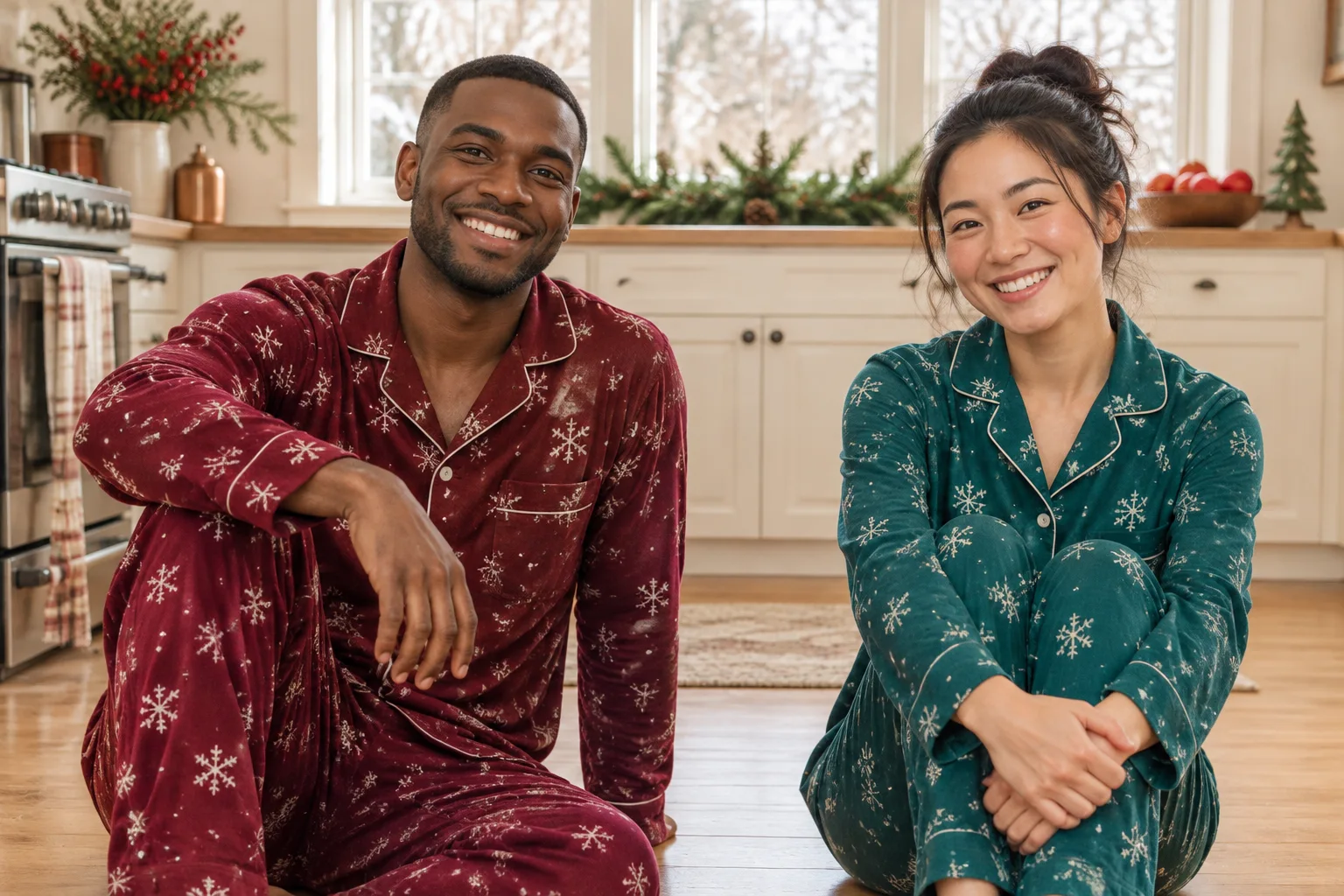
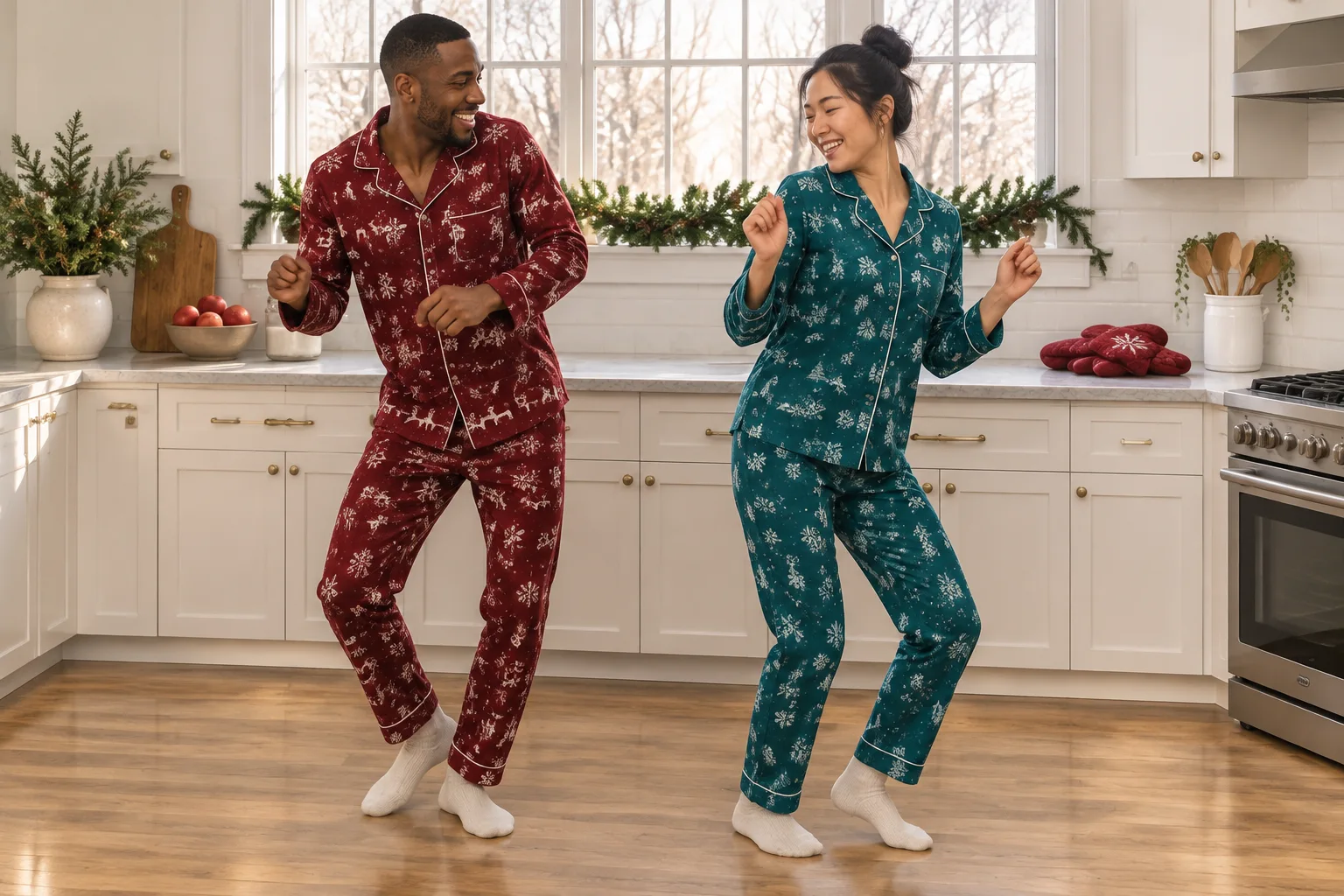
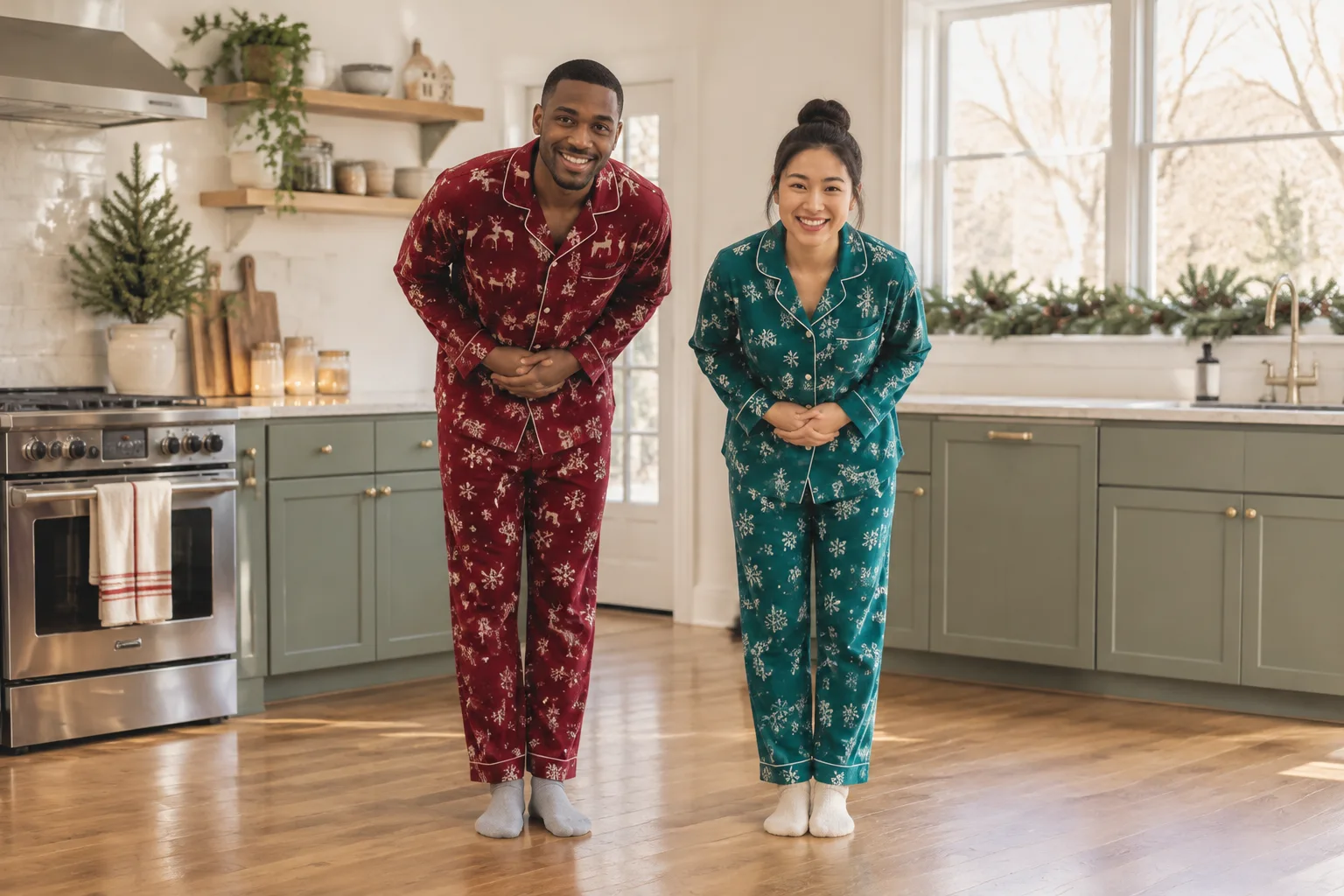
Review the movement
- Optional creative note: “Use coordinated red-and-green holiday pajamas, warm kitchen lighting, and a tidy counter; keep the camera still and leave the final moment visually simple for an edited greeting.”
- Review the first and last pose: the person from the first portrait should stay on the left and the person from the second portrait on the right.
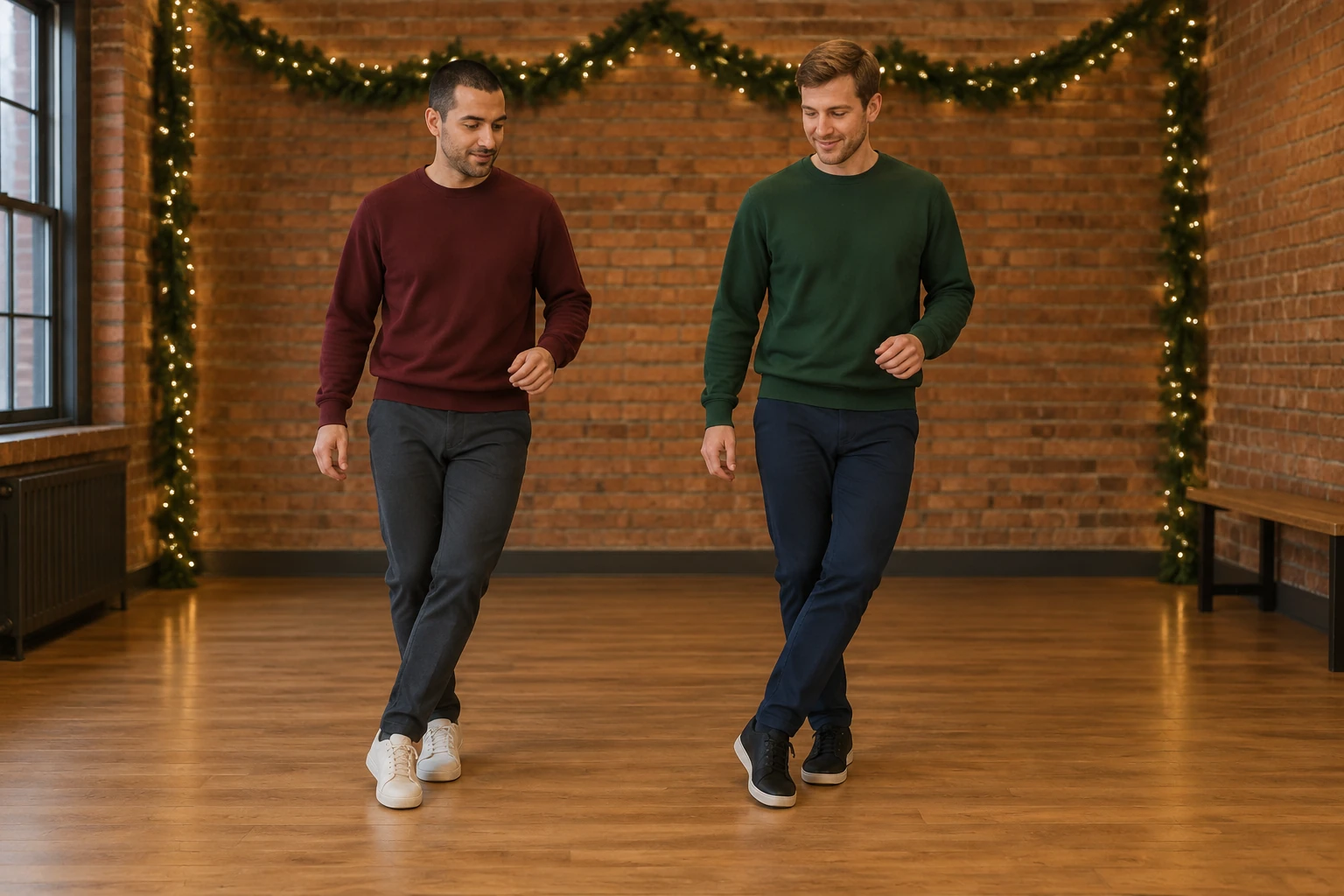
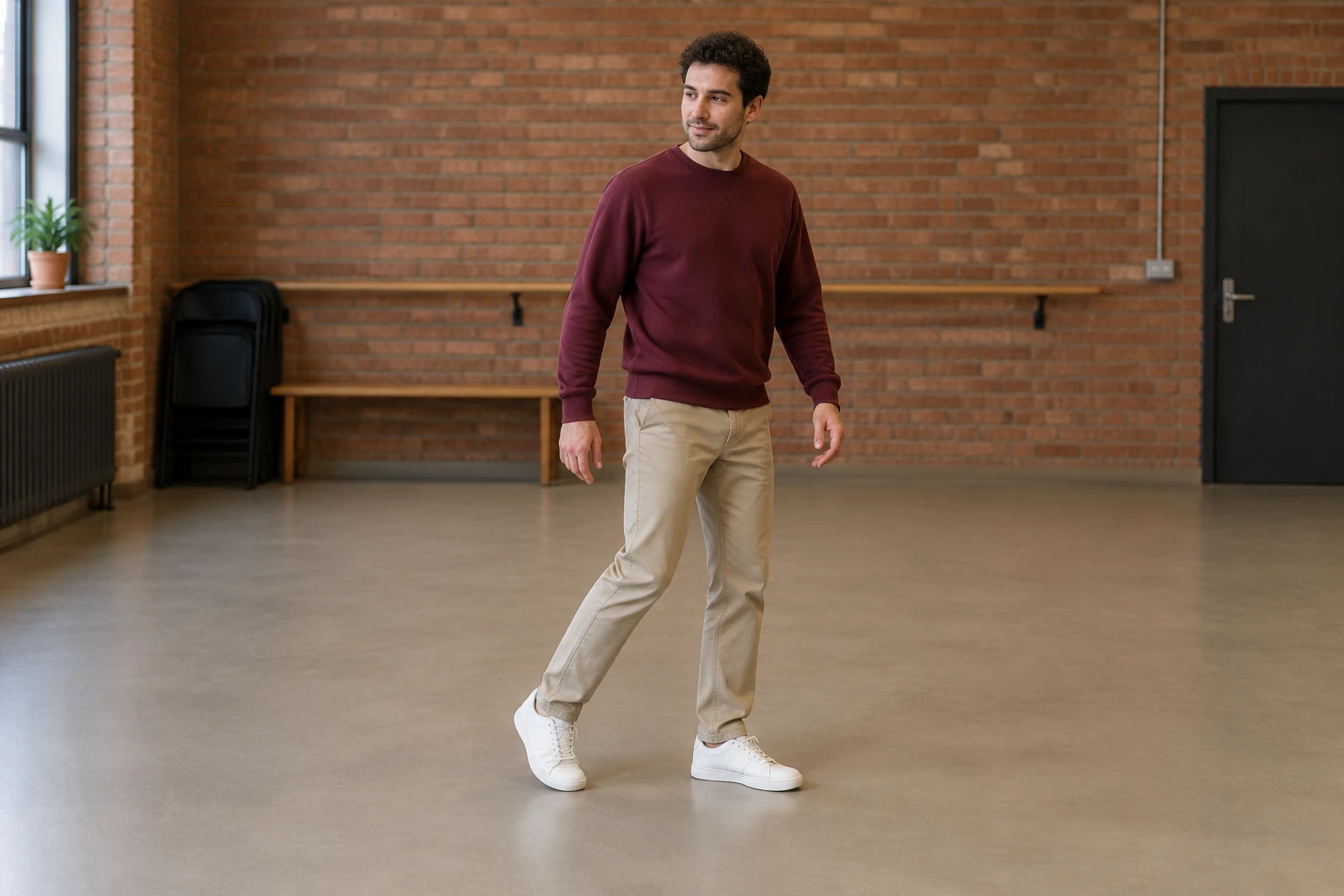
- Review the oven-mitt mime, alternating heel taps, and shared imaginary gift-bow finish. Pay particular attention to hands and confirm the ending leaves room for your greeting.
Keep the cast in their original roles and the camera fixed. Use clear heel taps and end with both hands resting at waist level to leave room for an edited greeting.
Deck the Halls Dance questions
What does the Deck the Halls Dance include?
It is a 15-second holiday kitchen greeting with a static camera and three chapters: separate oven-mitt mime, alternating easy heel taps, and both dancers finishing while holding imaginary gift bows.
How should I provide the two people?
Choose a separate portrait for each adult. Place the intended left dancer in the first slot and the right dancer in the second. If you have a shared photo, crop it into two individual portraits before uploading.
Can I upload a motion reference or include more faces?
No. Other face counts and motion uploads are unsupported for this feature. Scene notes are optional, and the prompt is preconfigured.
Is music included, and how do I check credits or find my result?
No specific music is bundled. Check the current credit quote near Generate and your free balance if eligible; use History to find results. Credit details and availability can vary.
More ideas to explore
rapduos.com · Updated
See update history
- — Revised the copy to state the separate portrait inputs, 15-second duration, existing-scene requirement, and no-music limitation. Updated the page title to end with the site name.
- — Added a 15-second holiday kitchen duet generator with separate left and right portraits, a short motion study, and a held closing pose.