
Oh You Can Make It Cap AI Studio Guide
Create an Oh You Can Make It Cap AI Video
Follow two people in an outdoor exchange
History
Loading history…
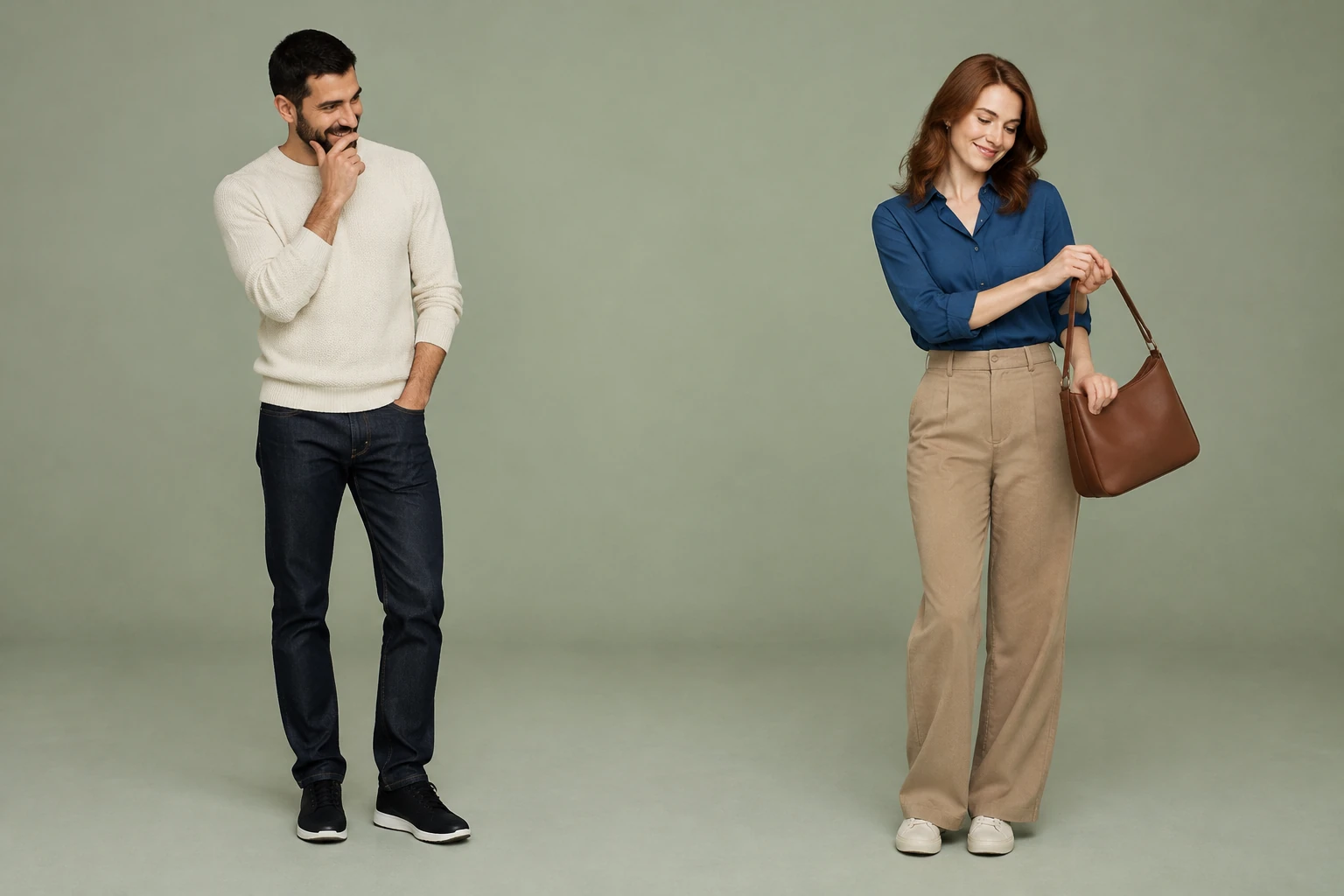
Oh You Can Make It Cap AI is a two-person video idea built around a clear exchange: one person turns with a handbag while the other responds with a restrained laugh. Select one photo for each role, add optional visual notes, and review the displayed credit quote before generating.
Create your two-person studio scene
Choose two role-specific photos
Use the first photo for the laughing responder and the second for the person who turns with the handbag. This page’s two-person role requires both images; choose distinct photos so each person has a clear assigned role.
Add optional visual notes
The scene direction already define the roles and action. Use Optional visual notes for brief style or visual preferences, not to replace those instructions. The example setting is a spacious, muted sage studio with even portrait lighting and a plain floor.
Review settings and the live quote
This page sets the output duration to 8 seconds. Aspect ratio and output quality depend on live model availability; an optional audio toggle may appear, but it does not promise a soundtrack. Check the current Required Credits beside Generate and confirm your account access before choosing Generate. The model is a paid option; eligibility and live credits can vary with selected quality and media.
Check History and download
Follow the generation status and results in History. When the video is complete, review it and use its Download control if you want the file. Crop, captions, and music finishing are separate steps.
A simple action-and-reaction scene
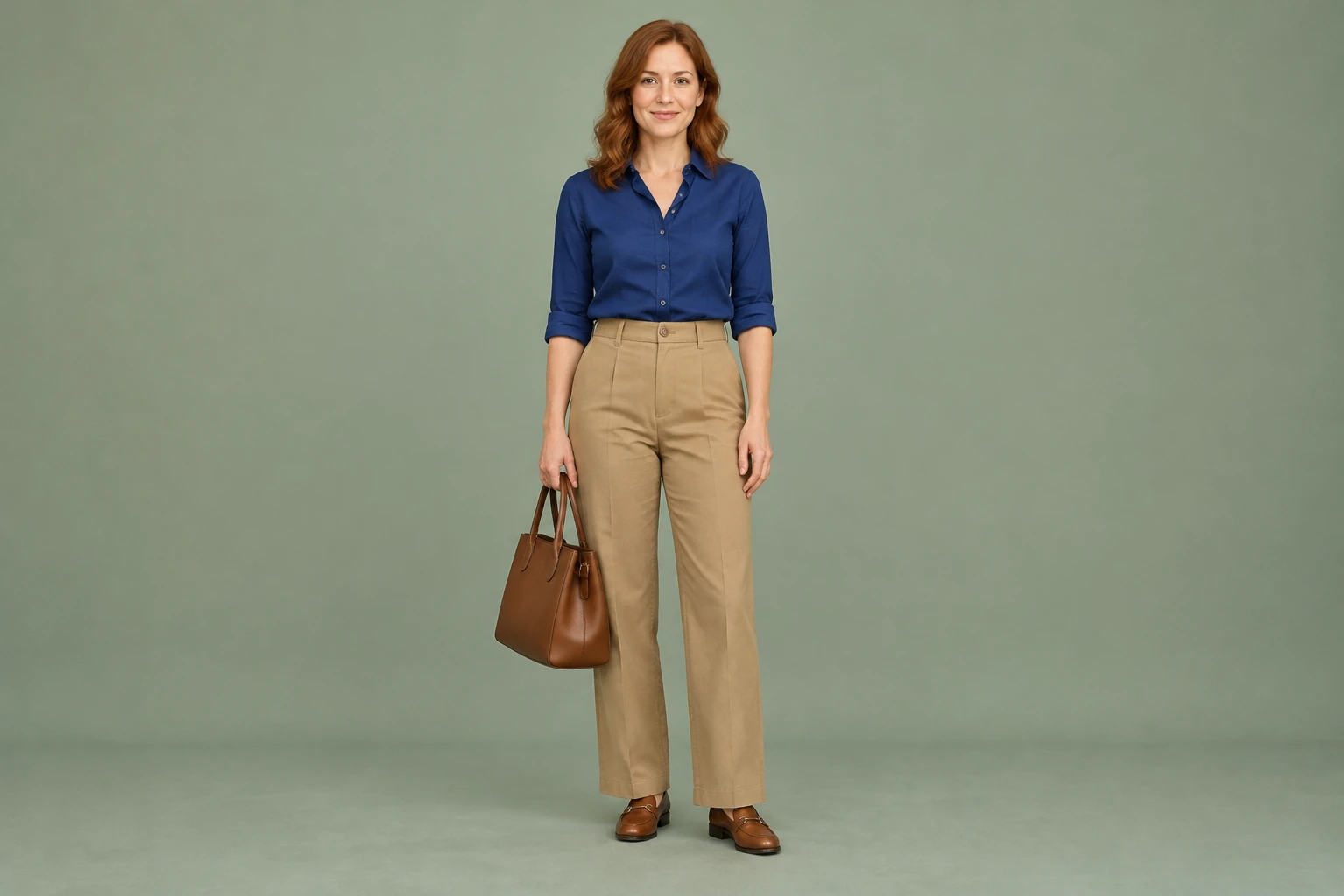
Keep the scene easy to read: the second person makes one small, confident handbag turn, and the first person answers with a restrained laugh. Start with clear separation, allow the movement to play continuously, then finish on a calm pose. A plain floor, uncluttered background, and readable hands and feet help keep attention on the exchange. The visual examples are concepts for the scene, not clothing or identity requirements for uploaded people.

Assign the two photos in the right order
The named photo selectors correspond to the roles in the scene direction. Put the laughing responder in Image 1 and the person who turns with the handbag in Image 2. Use two different person images for this role. Do not swap them if you want the described action to match the assigned people.
What the generator does—and does not promise
The page provides a simple studio direction and assigns a different action to each photo. Your optional visual note can describe a lighting or style preference. The generated performance still needs review: check that both people stay recognizable, the correct person turns, the handbag stays with that person, and the reaction remains readable. Watch the complete sequence for role swaps, extra people or limbs, and a clear ending.

Review access, cost, and the finished clip
This model is currently a paid option. There is no promise of a free model, free credits, a fixed price, or a fixed wait time; the live credit requirement can change with selected quality and media. Review the displayed quote and account access before generating. When a result appears in History, inspect the full action and ending, then download the completed video if it meets your needs. Crop, captions, and music are separate finishing choices.
Oh You Can Make It Cap AI questions
What is Oh You Can Make It Cap AI, and how many photos do I need?
It is a guide to making an original two-person action-and-reaction video. This role requires two different person photos: one for the laughing responder and one for the person who turns with a handbag.
Which photo goes first?
Select the laughing responder as Image 1. Select the person who turns with the handbag as Image 2.
Is the model free, and what will generation cost?
The model is currently a paid option; no free-model or free-credit eligibility is promised. Check your account access and the current Required Credits beside Generate, since the quote can change with selected quality and media.
How long will generation take, and where can I check it?
There is no fixed wait-time promise. Check the status and results in History.
Will faces, outfits, and movement match exactly?
Exact identity or movement is not guaranteed. Review whether both people remain distinct, their appearances and assigned roles are recognizable, the handbag stays with the second person, and the turn and reaction are continuous and readable. Check for extra people or limbs and a clear ending.
How do I get the video, and can I add finishing touches?
Use the Download control for a completed video. Cropping, captions, and music finishing are separate; an optional audio toggle, if offered, does not promise a soundtrack.
More ideas to explore
rapduos.com · Updated
See update history
- — Independent two-person studio guide with separately assigned photo roles, a ready scene direction, four original studio illustrations, a filmed interaction reference and current credit and result checks.