
Unforgettable Car Trend: Build a Car-Side Performance
Build an Unforgettable Car Trend clip around a recognizable performer and a parked car. Start with your lead photo, add a separate vehicle reference if its appearance matters, and use the supplied motion to guide the car-side gestures. This page creates a short visual performance; you choose how to finish and share it.
Create your car-side clip
Preview the fixed car-side motion
History
Loading history…
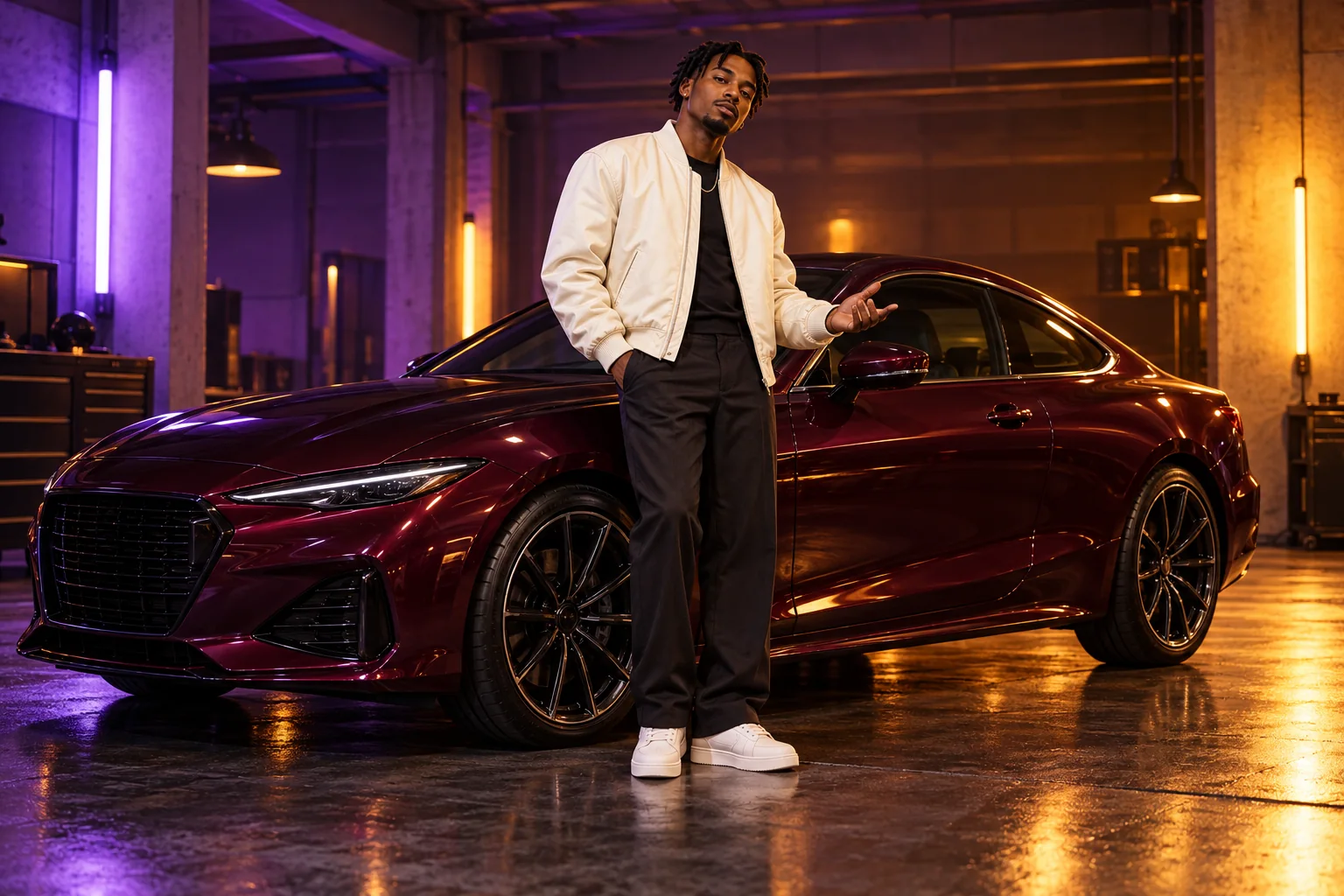
Make the performer the focal point
A confident expression and a readable silhouette do more for this composition than a crowded garage. The purple-and-amber concepts pair a cream jacket with a dark burgundy coupe so the person stays easy to spot. Think about how your clothing separates from the vehicle and the room. If both are very dark, use softer background lighting rather than asking for several competing effects.
Create your Unforgettable Car Trend clip
- Watch the fixed garage motion and decide whether its gestures fit your performance idea.
- Place a clear single-person image in Lead performer photo.
- Optionally add a separate full-vehicle photograph in Car reference.
- Write a brief lighting or framing note, then review the fifteen-second setting and current credit quote.
- Submit once, follow the job in History and inspect the finished clip before sharing.
Choose the lead photo
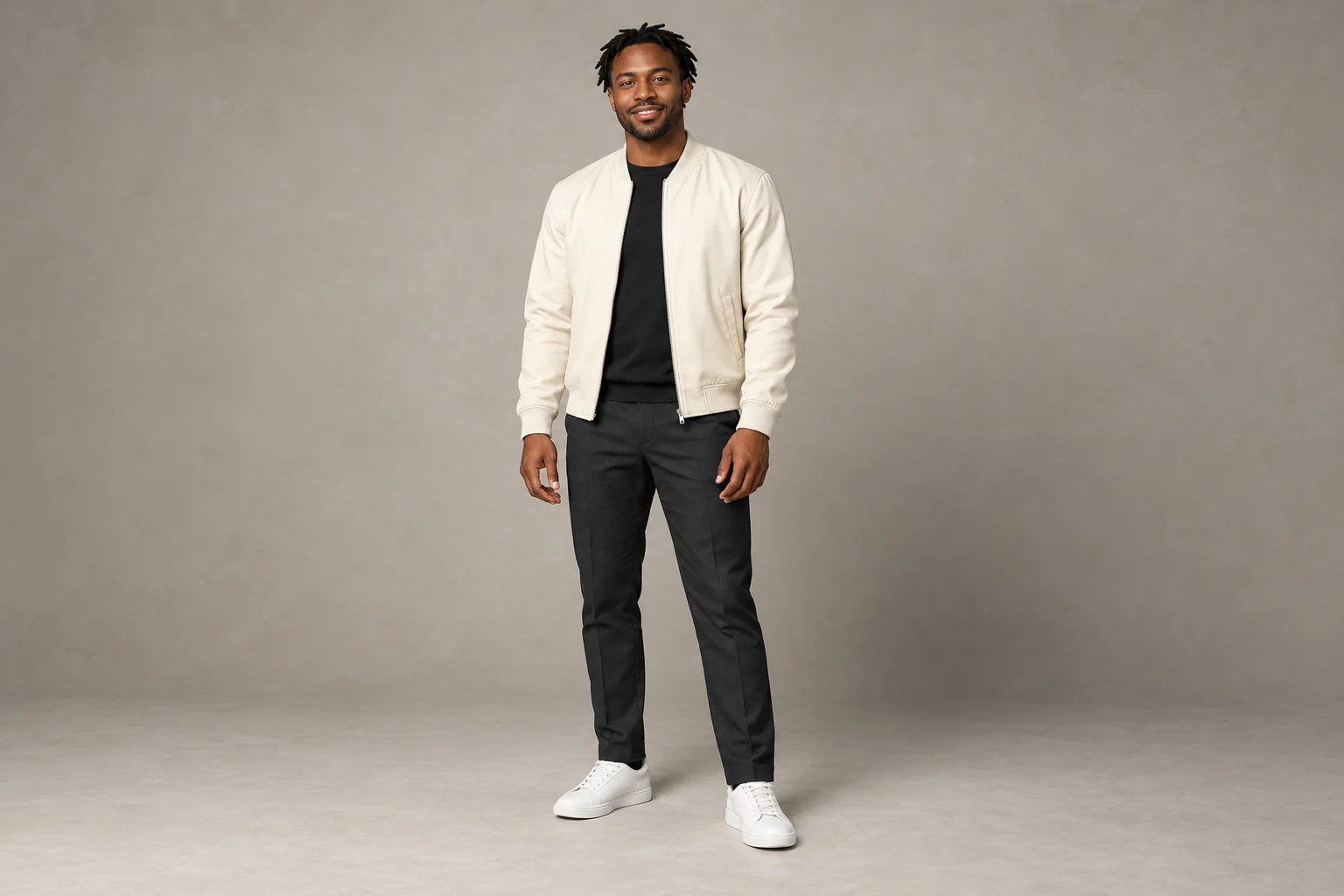
Choose a photograph that shows one person clearly. Keep the face, hairstyle and upper body unobstructed; a wider portrait can also explain the outfit and proportions. Avoid a group shot, a tiny face inside a distant scene or a hand covering the mouth. The lead slot supplies the performer, so do not place your car photograph there. A clean source is more useful than a heavily filtered selfie.
Decide whether to add a vehicle reference
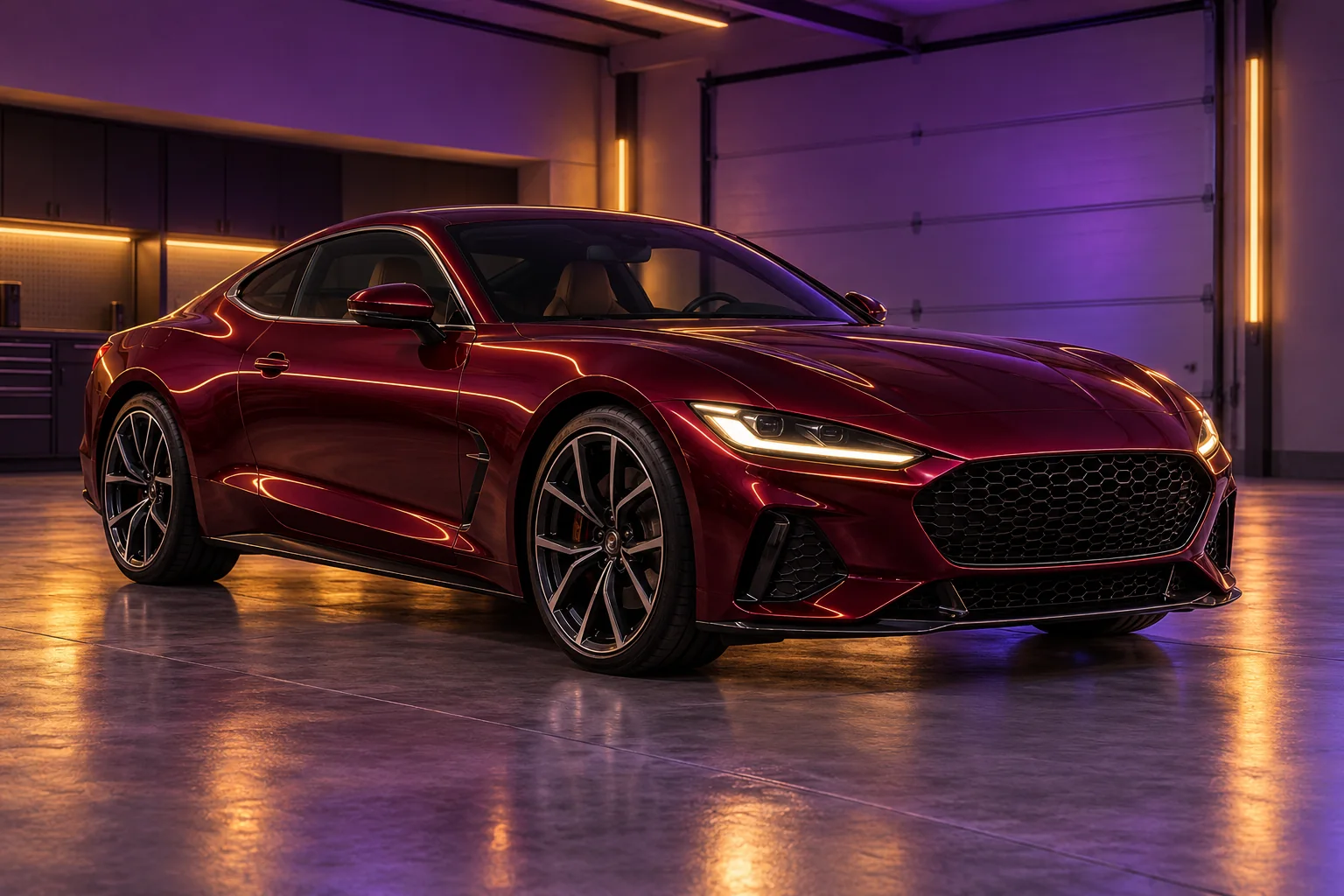
The optional car slot gives the vehicle its own visual reference. A three-quarter photograph with the body, windows and wheels visible makes the shape easier to judge. Use a different image from your portrait, and avoid a close crop of only a badge or wheel. If you leave the slot empty, the fixed scene still guides the car setting; the form does not require a second photograph.
Keep the visual direction focused
For the garage concept, try a restrained direction such as: warm amber highlights, subtle violet background light, clear face and a steady car-side composition. Keep the supplied gesture sequence central. Asking for a race, an interior driving view and several location changes creates a different idea from the reference. A short note about atmosphere gives you a clearer comparison between attempts.
Review the whole scene before sharing
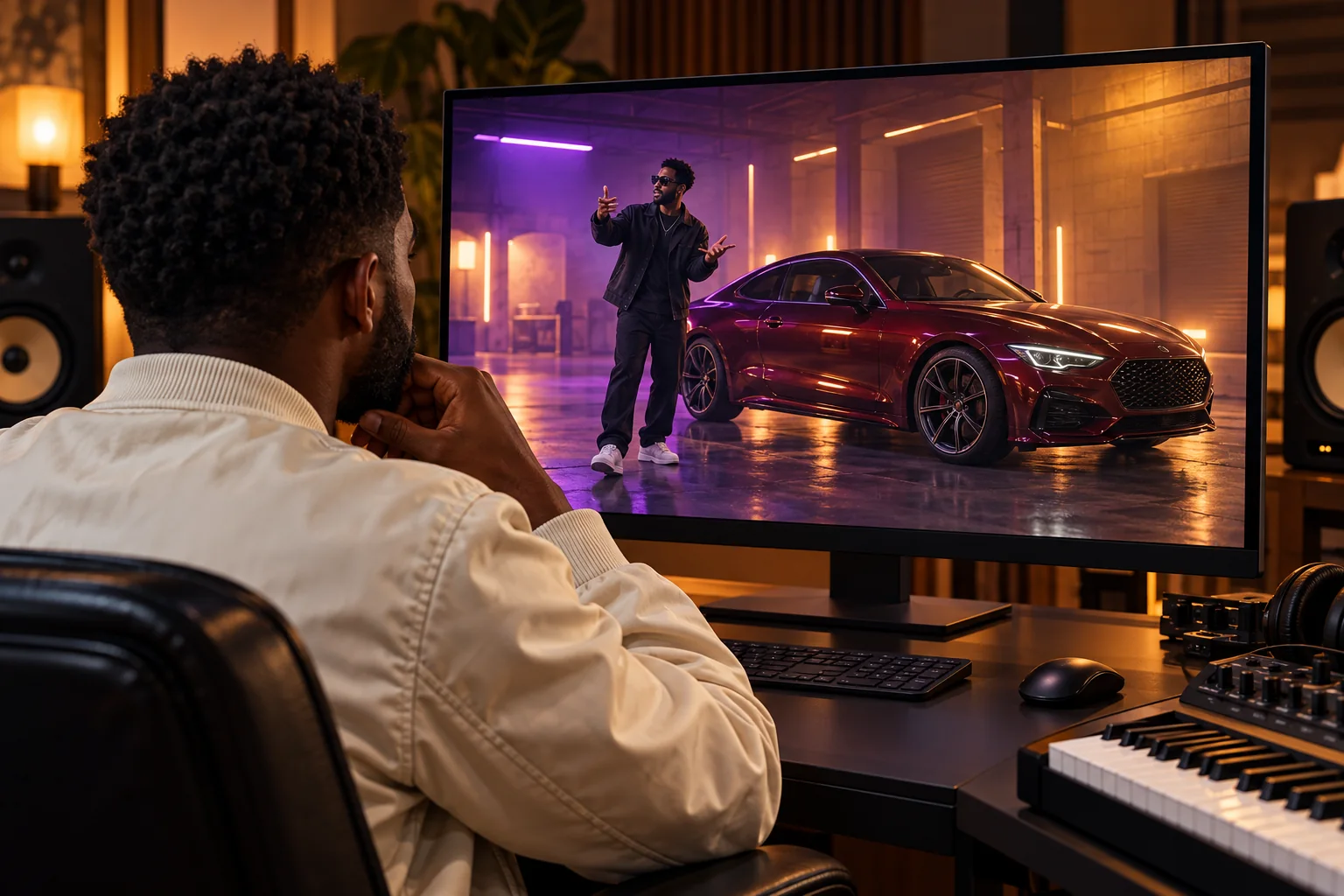
Watch the completed clip at normal speed before judging individual frames. Then pause when hands pass near the bonnet and when the camera changes its relationship to the car. Look for stable facial features, plausible fingers, consistent wheel shapes and reflections that belong to the same scene. Choose a cover after this review. Add any final soundtrack or captions in your own editing workflow rather than treating the reference as a promise of a particular song.
Continue your project
Questions about the car trend
Which image becomes the performer?
The required lead photo supplies the person. The optional second image supplies the car; it is not another performer slot.
Can I make the clip with one photo?
Yes. Choose your lead image and leave Car reference empty. The fixed motion remains the action guide, and you can add a separate vehicle image on another attempt if needed.
Does this create a driving scene?
The supplied reference shows car-side gestures in a garage and a view of the parked vehicle. Build around that action rather than expecting a road journey.
Can I upload different choreography?
This page uses a fixed motion reference. It does not expose a replacement-video upload; use another workspace if you need a different motion workflow.
Will my car be copied exactly?
A vehicle photo gives visual direction, but inspect bodywork, wheels and reflections in the output. Small details and lettering can change during generation.
How long is the finished clip?
The configured output is fifteen seconds. The action reference is 14.04 seconds; neither duration predicts how long the job will take to process.
What does an attempt cost?
Read the live quote and account requirements in the generator before submission. This guide does not fix the price or promise a free generation.
Does it include the trend soundtrack?
No particular song is promised by this workflow. Review the output audio and finish your soundtrack separately if your project needs one.
rapduos.com · Updated
What's new on this page
- — Added photo inputs, a motion reference preview and guidance for creating this video effect.