
AI Censor Remover
Replace a visible overlay
History
AI Censor Remover helps you replace a disposable sticker, doodle, or temporary design label on an image you own or can edit. In edit mode, use one reference photo and mark only an empty background area; the tool synthesizes a fill from nearby visible texture without recovering hidden original pixels. Keep faces, bystanders, ID details, private or intimate content, and true redactions out of the workflow.
How to use the generator
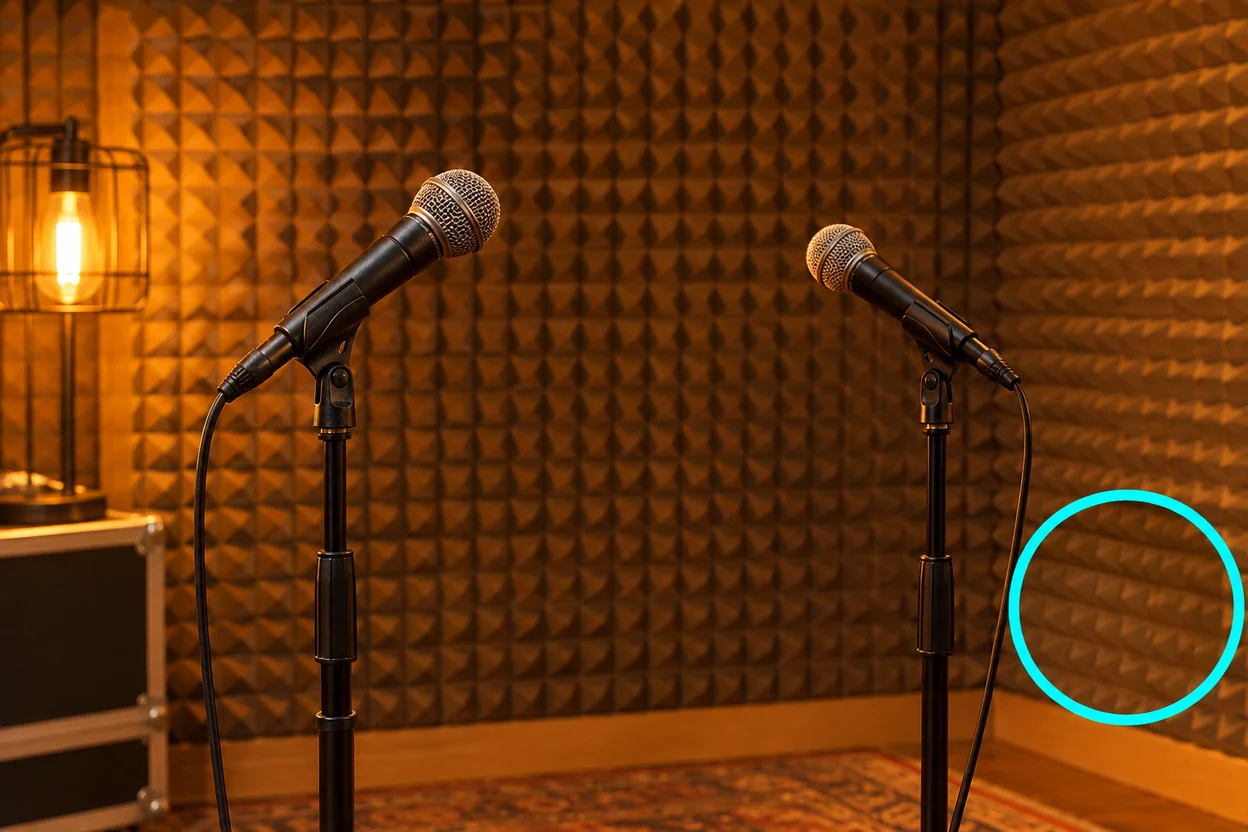
- Choose edit mode and add one reference photo you own or can edit. Use a clear, well-lit image where the area around the temporary sticker, doodle, or design label is visible.
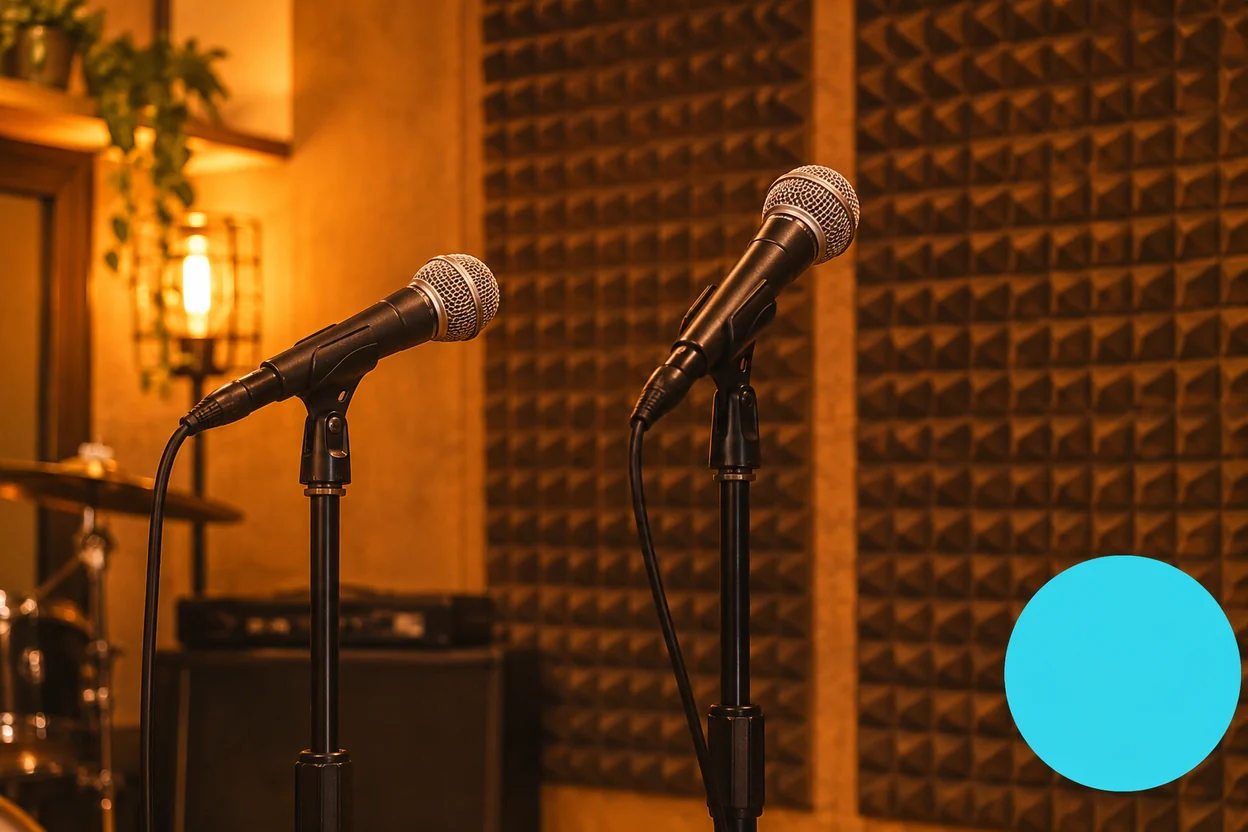
- Mark only the disposable design on an empty background. Ask to replace it with a continuation of the nearby texture and light, and specify what must stay unchanged, such as the subject, framing, and other scene details.
- Generate the edit, then inspect the result at full size. Check the repaired area’s edges, pattern, lighting, and nearby details; review the displayed quote before proceeding and use History to find your result.
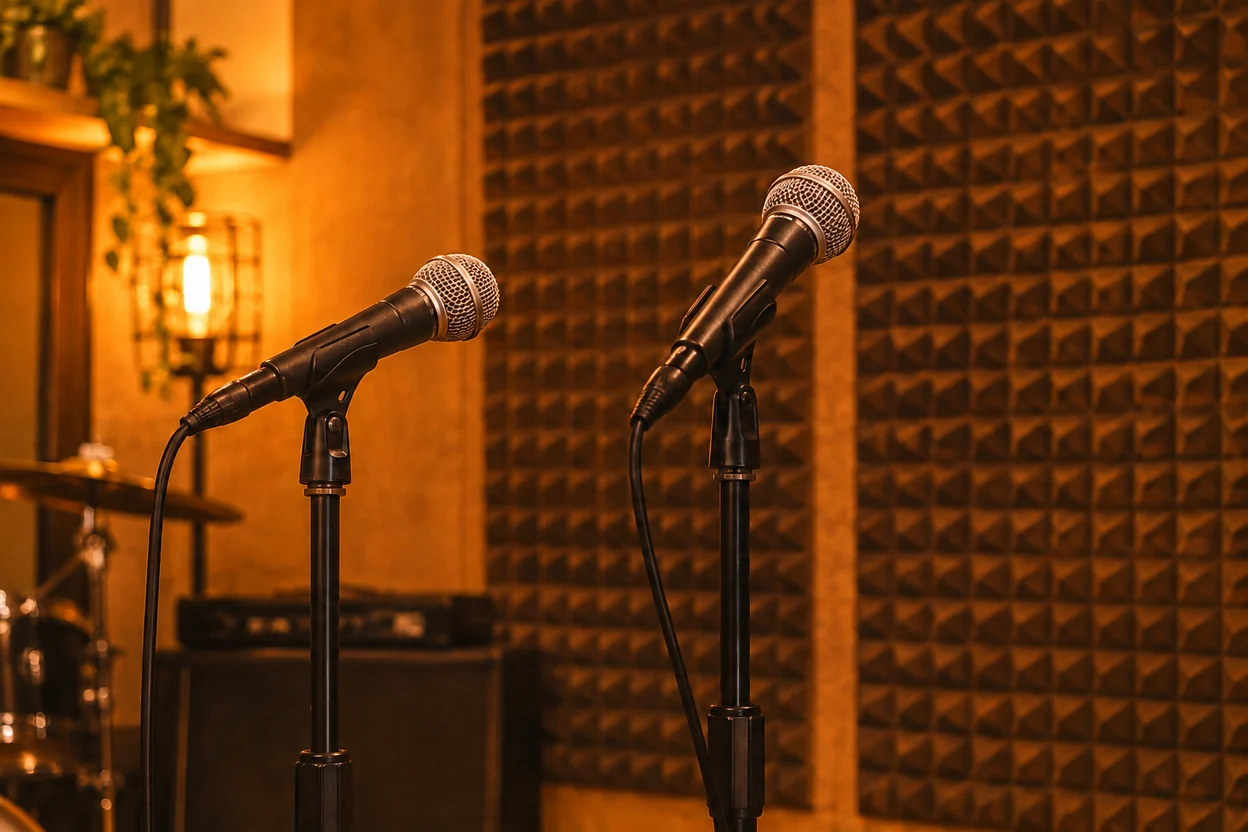
Compare the marked photo and the replacement fill
Check the finished image
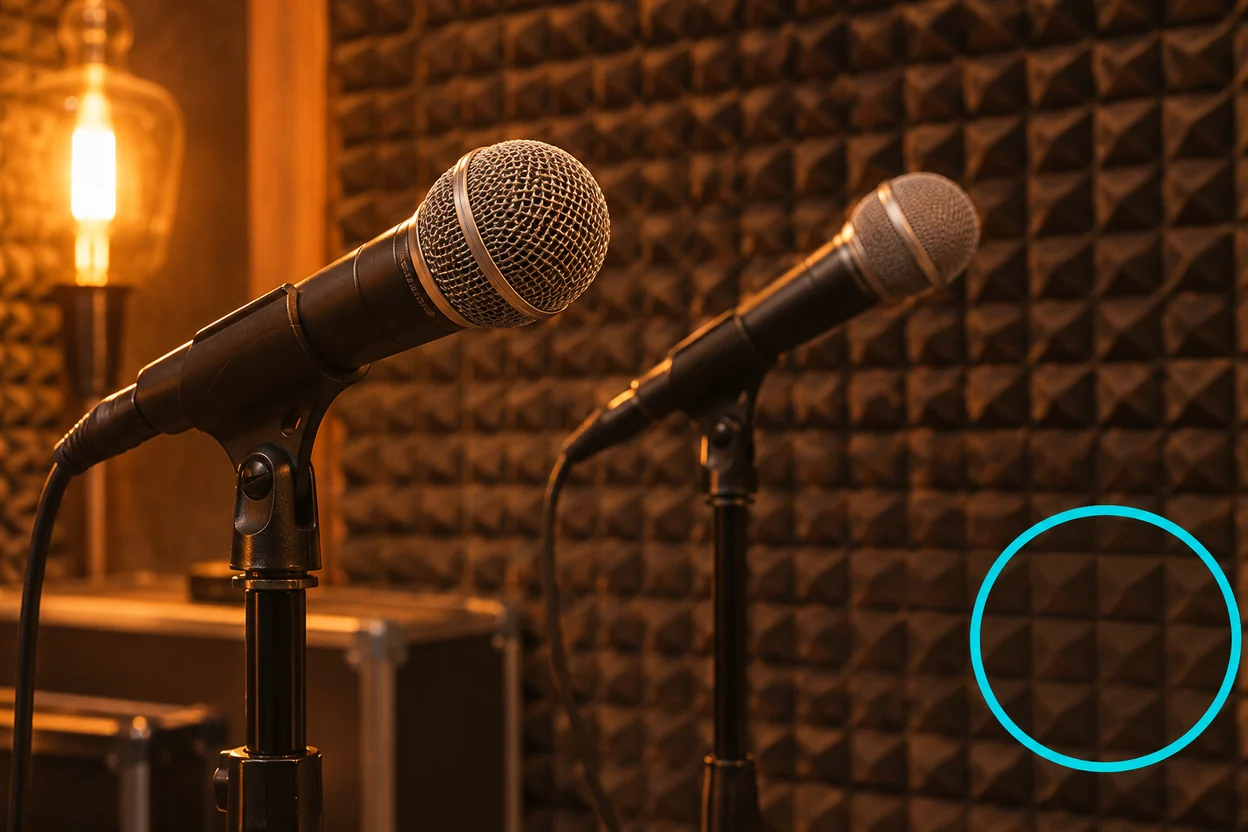
- Confirm the fill follows visible neighboring texture, perspective, and lighting, with no obvious seams or repeated patterns.
- Make sure only the marked background patch changed. Check that the main subject, framing, and every unmarked detail remain intact.
- Keep the edit limited to a disposable design on an empty area. Do not use it on faces, bystanders, ID details, private or intimate content, or true redactions.
Questions about removing an overlay
What does AI Censor Remover replace?
It replaces a disposable sticker, doodle, or temporary design label on an image you own or can edit. Choose an empty background area with enough visible surrounding texture to guide a plausible fill.
Can it reveal what was under a mark?
No. The replacement is synthesized from visible background context; it does not recover hidden original pixels. Do not use the tool to uncover or infer obscured information.
What should I keep out of the workflow?
Do not edit faces, bystanders, ID details, private or intimate content, or true redactions. Keep the task to a disposable design on an unimportant background patch.
What are edit mode and text mode?
Edit mode uses one reference photo. Text mode creates a clean creative example from scratch without an upload. Both use Nano Banana 2 image edit and generate, with one optional mode-specific input.
How long does image generation take?
Check History after you submit. The task status shows when your edit is ready to compare with the original portrait.
Can I try this with my current credits?
Related tools
rapduos.com · Updated
See update history
- — Use one editable reference photo to replace a disposable mark on empty background with texture synthesized from its visible surroundings. Protect subjects and sensitive or redacted content, then check the result and displayed quote. Updated the page title to end with the site name.