
Create with Kling Image 4.0
Create with Kling Image 4.0
History
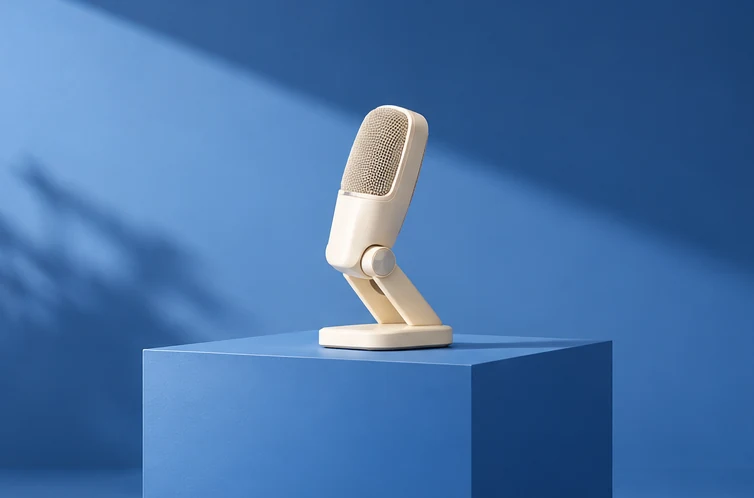
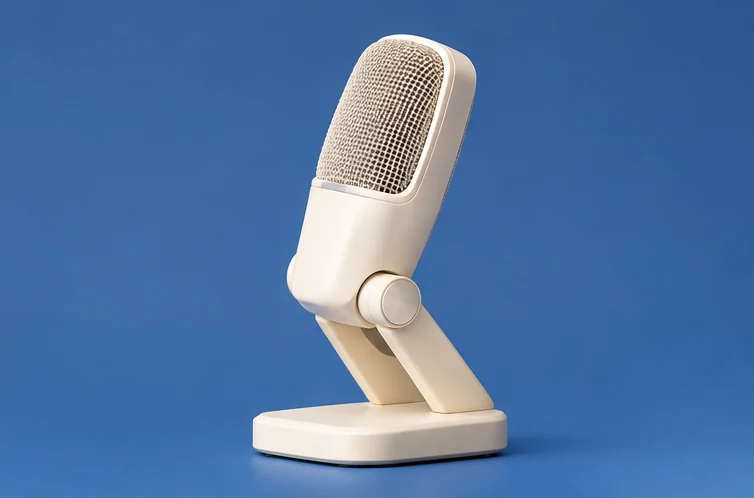
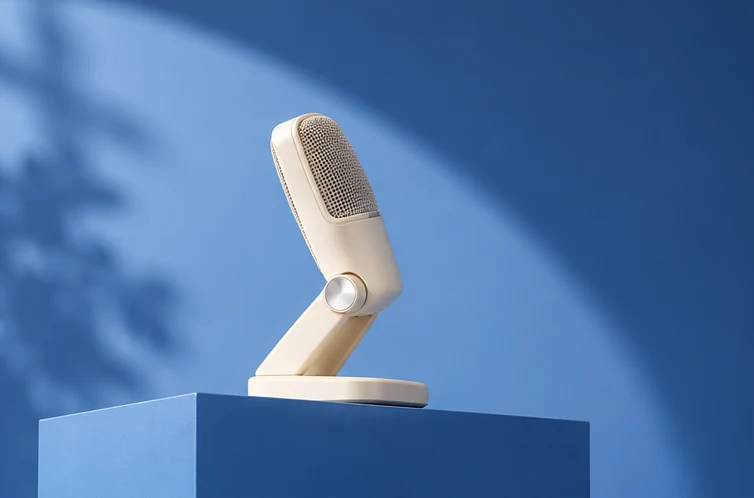
Describe the image you want to create. For example, picture a folding ivory microphone on a blue studio plinth. Use text or, when available in your selected mode, add a reference image. This is a paid service; check the live credit quote before generating.
Create an image in three steps
- Write a clear visual brief for your image.
- Choose a mode and 2K or 4K output; add a reference if the mode allows it.
- Review the live credit quote, then generate one result.
What to know before generating
- Your written brief guides the composition.
- Reference image availability depends on the selected mode.
- Each generation returns one result in 2K or 4K.
Common questions
How do I create an image from a written brief?
Describe the subject and composition you want, choose a mode and output resolution, then generate. You can add a reference image if your selected mode supports it.
Can I use text or a reference image?
Use a written brief, or add a reference image when that option is available in the selected mode.
How many results do I get, and what controls can I choose?
Each generation returns one result. Choose 2K or 4K output, and check the live credit quote before generating; this is a paid service.
rapduos.com · Updated
See update history
- — Kling Image 4.0 creates one image per generation from text or an optional reference, with 2K or 4K output. Updated the page title to end with the site name.